

EKAZA Smart Digital Lock without Handle
EKDS-T328-V2
- Connection:
- Wi-Fi
Description
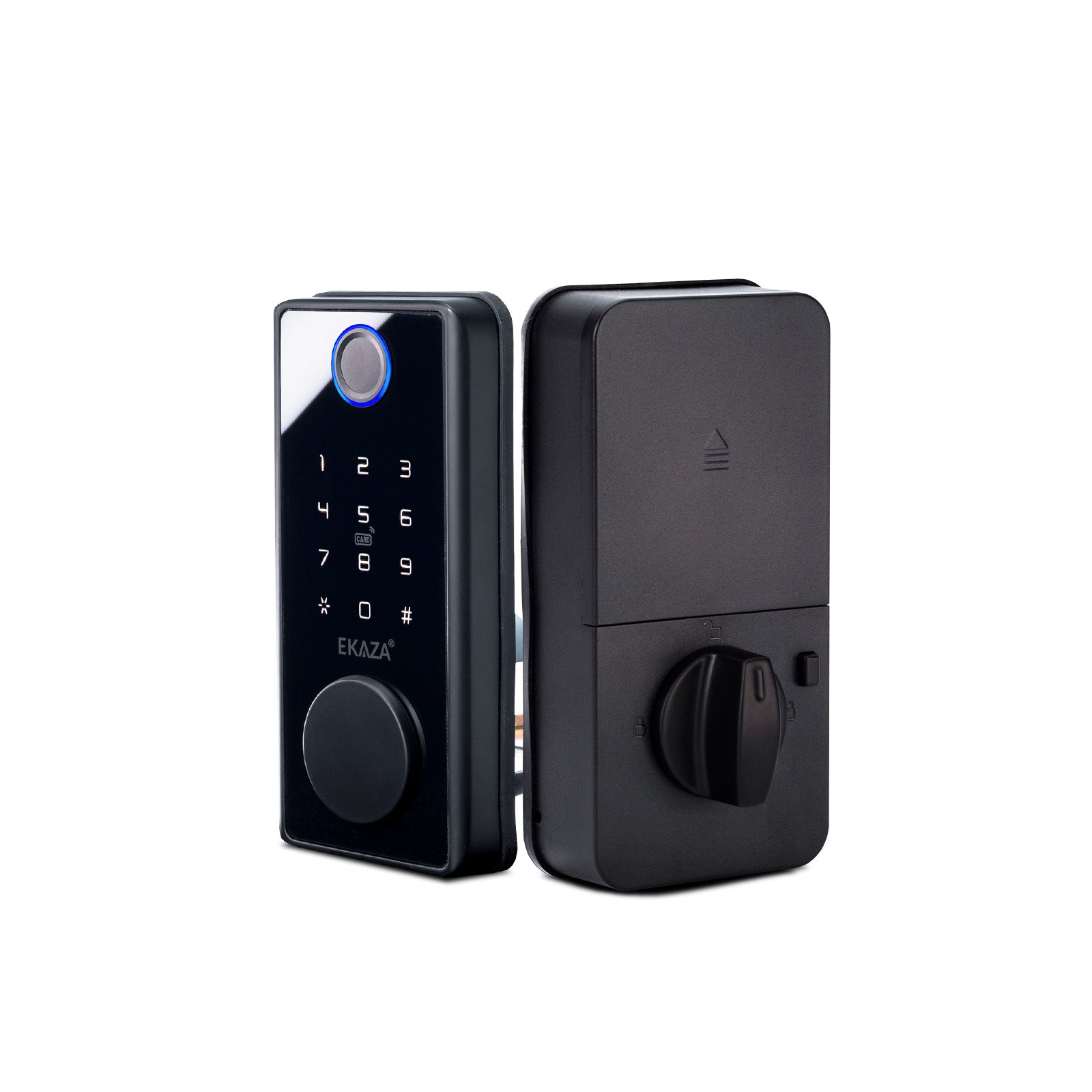
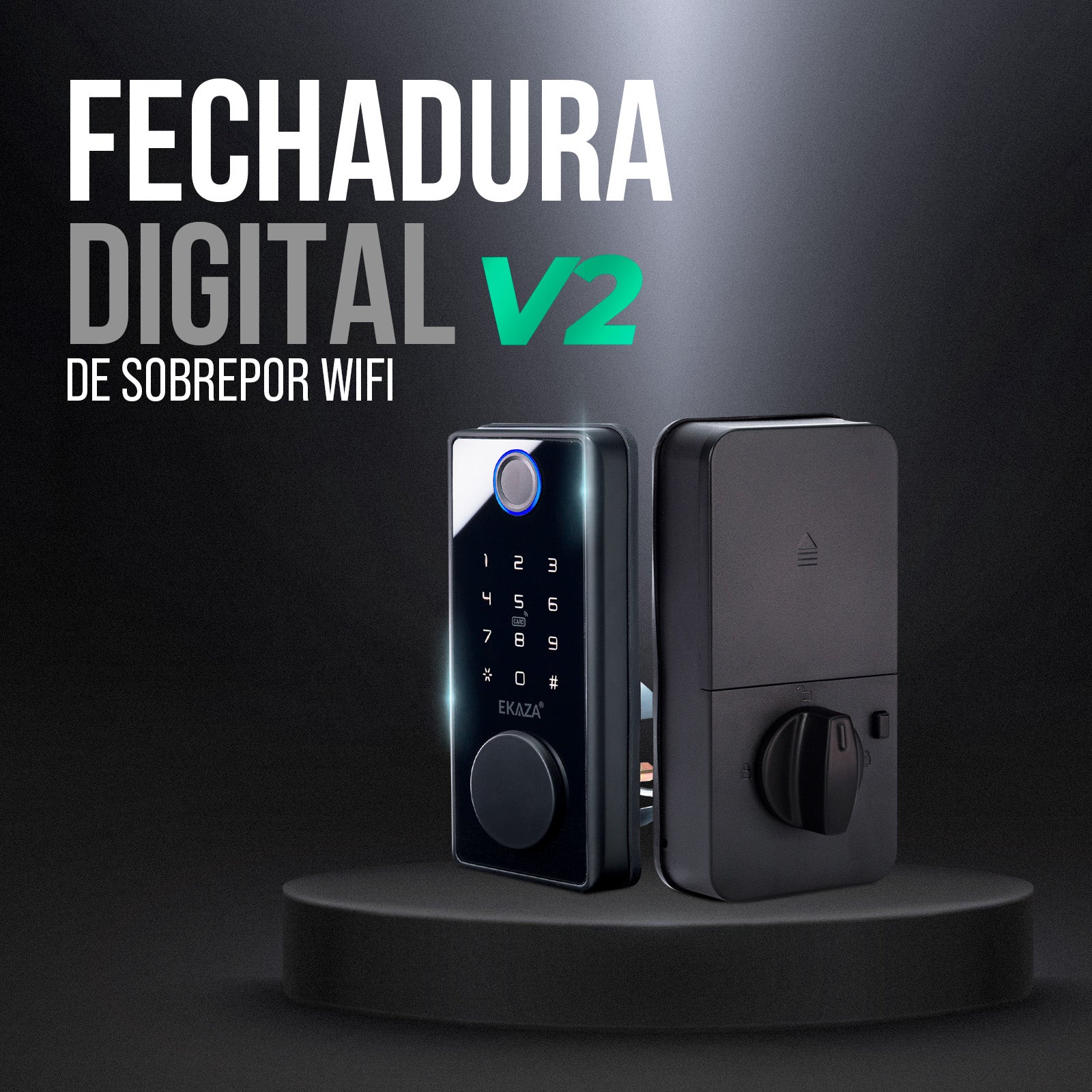
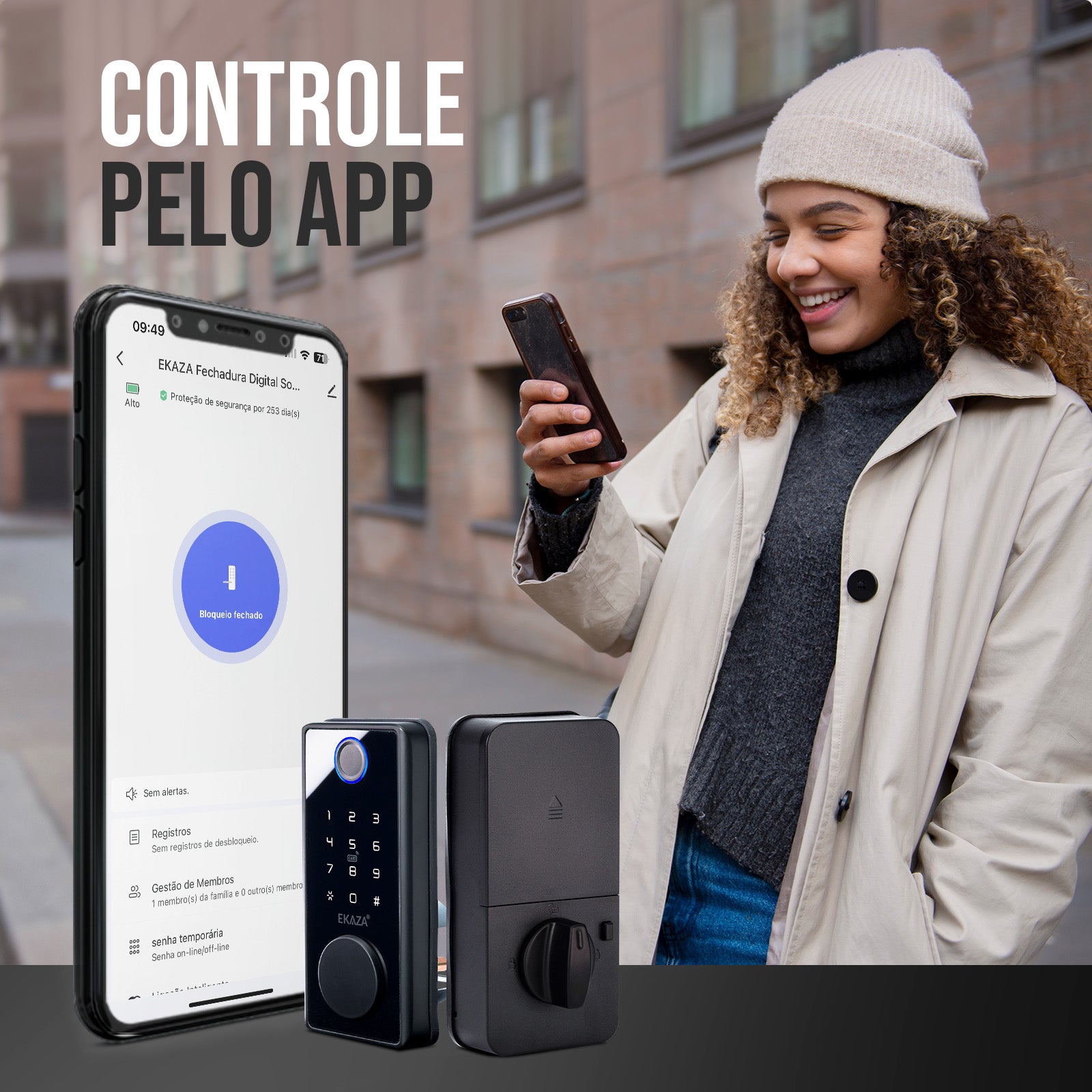
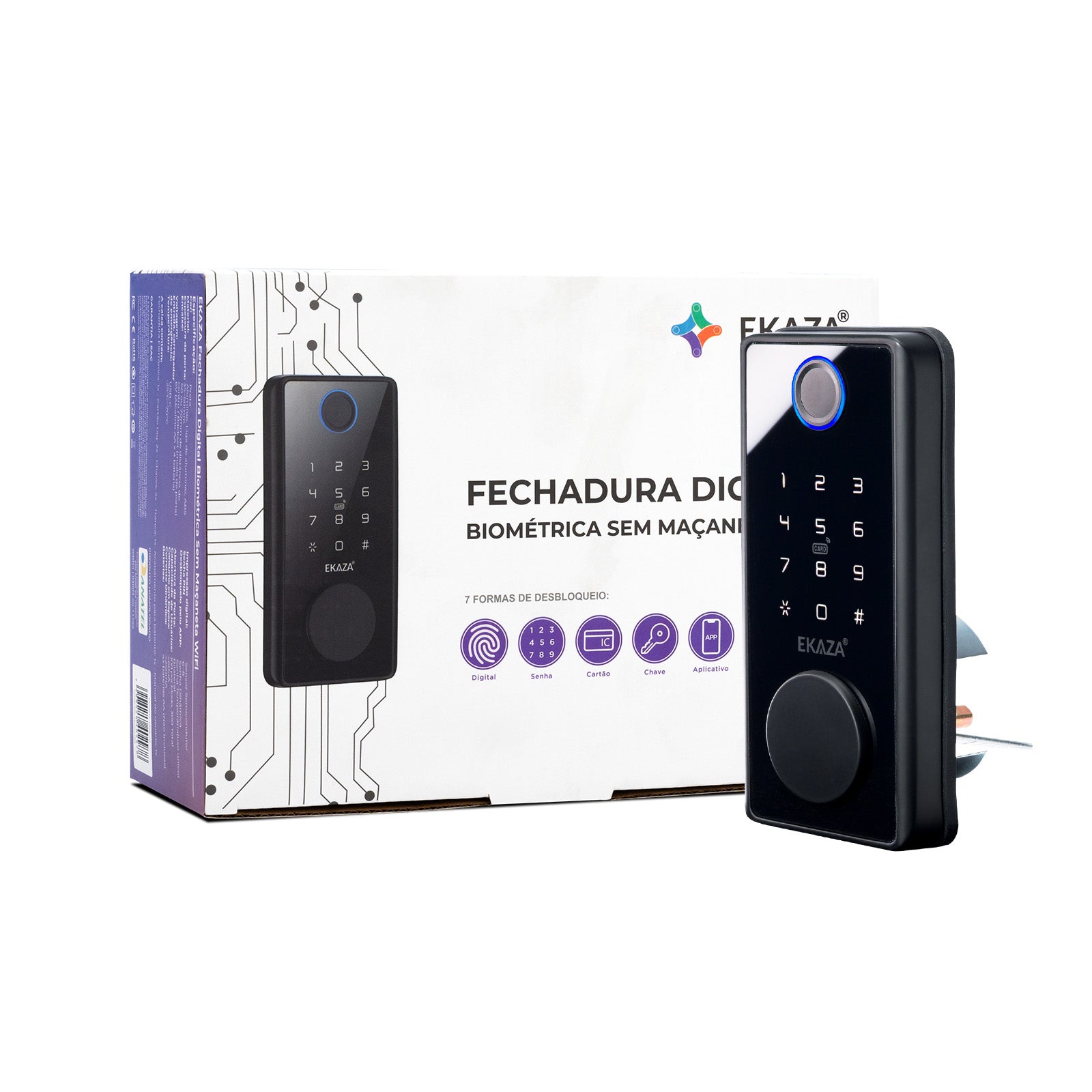
Smart Biometric Electronic Surface-Mounted Lock with Wi-Fi
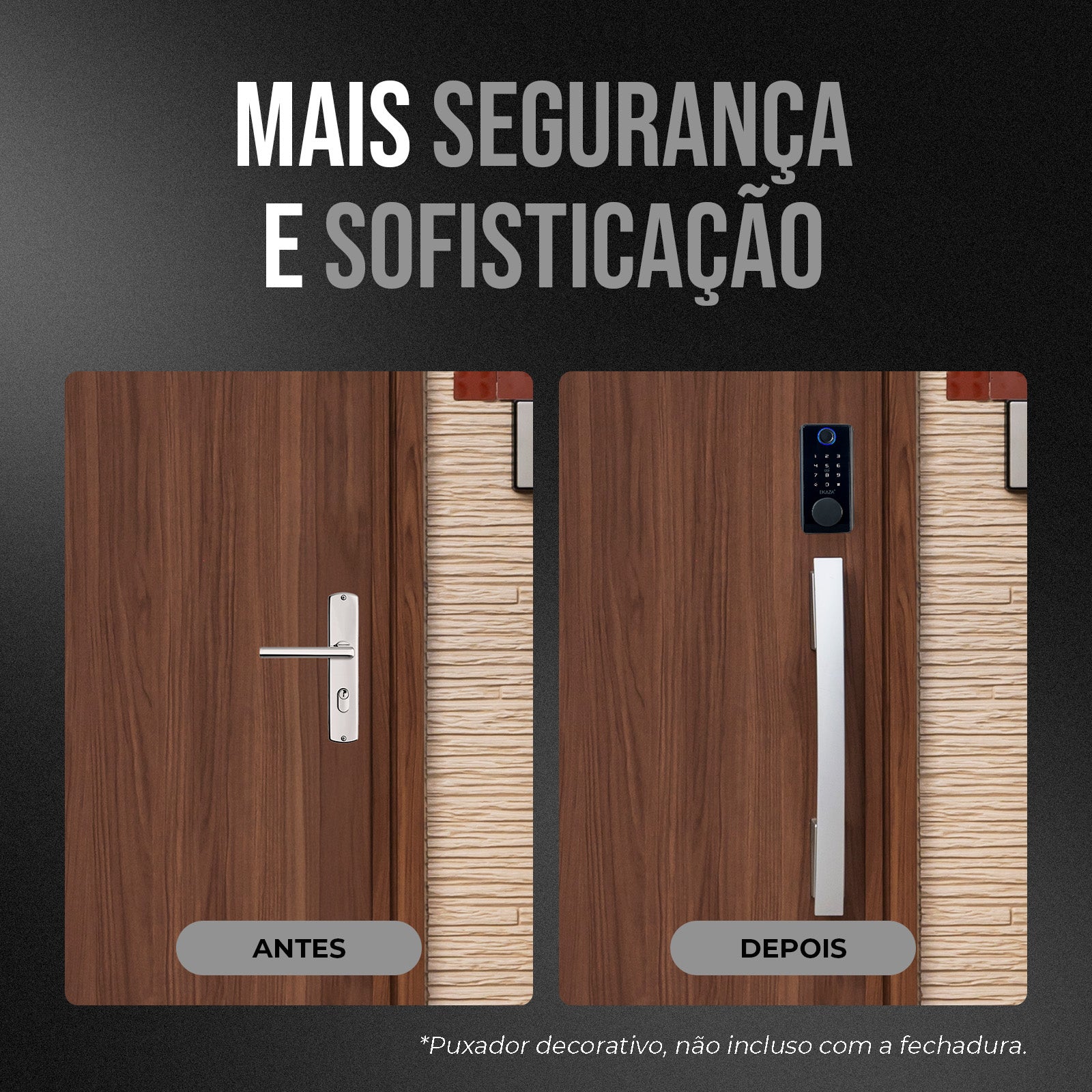
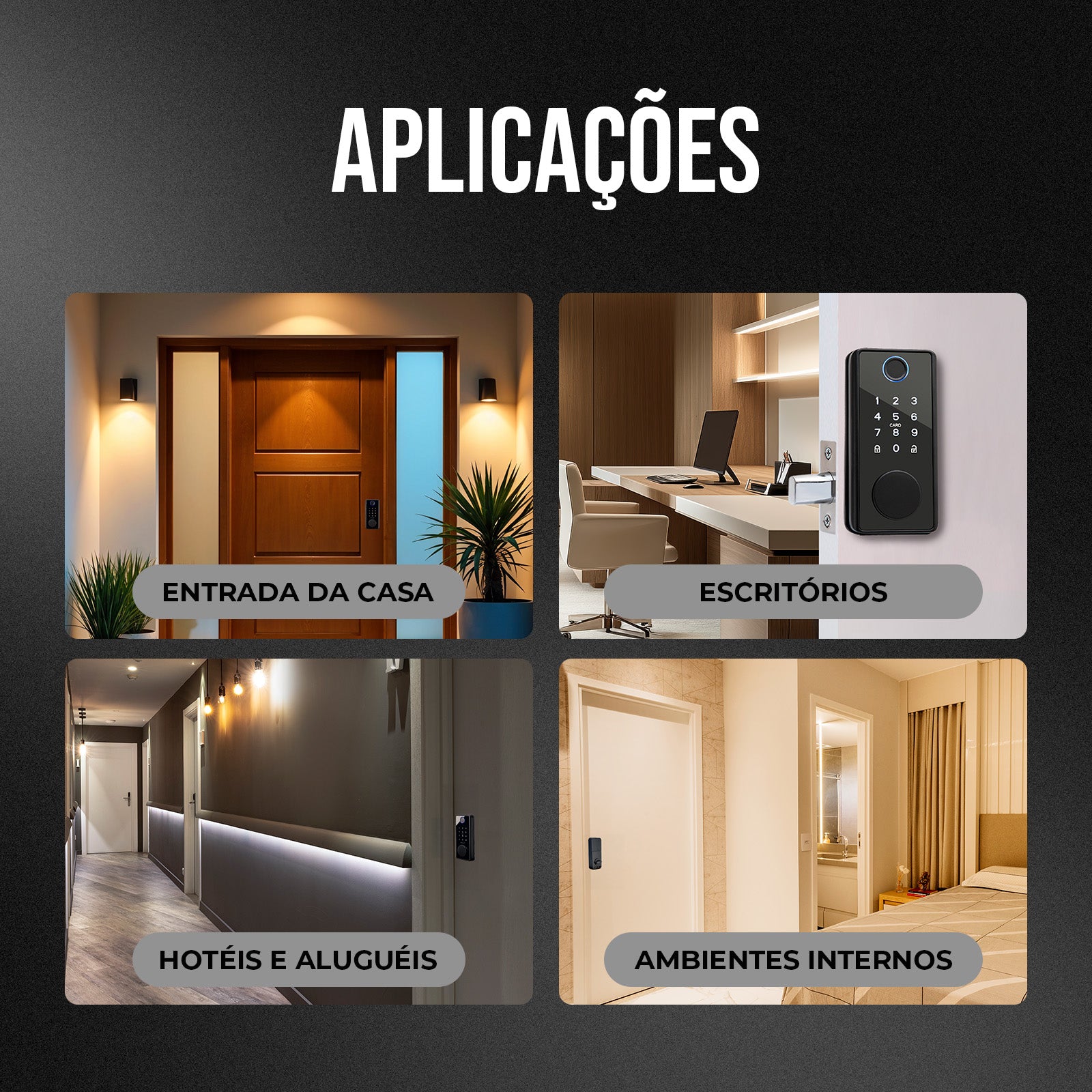
Transform your door while keeping the original handle with the EKAZA Smart WiFi Biometric Electronic Surface-Mounted Lock. This device offers multiple unlocking methods and enhanced security, ideal for homes seeking practicality and protection.
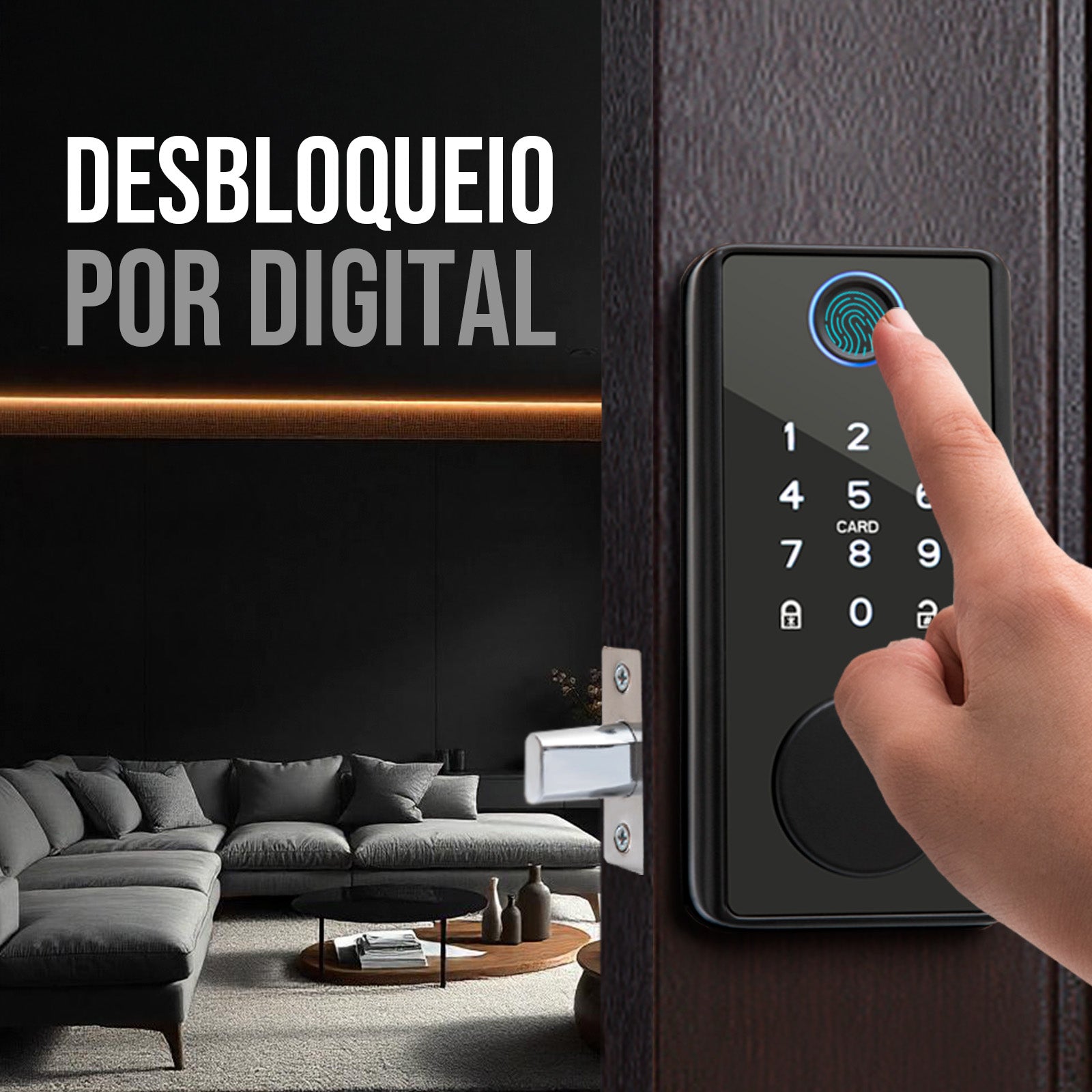
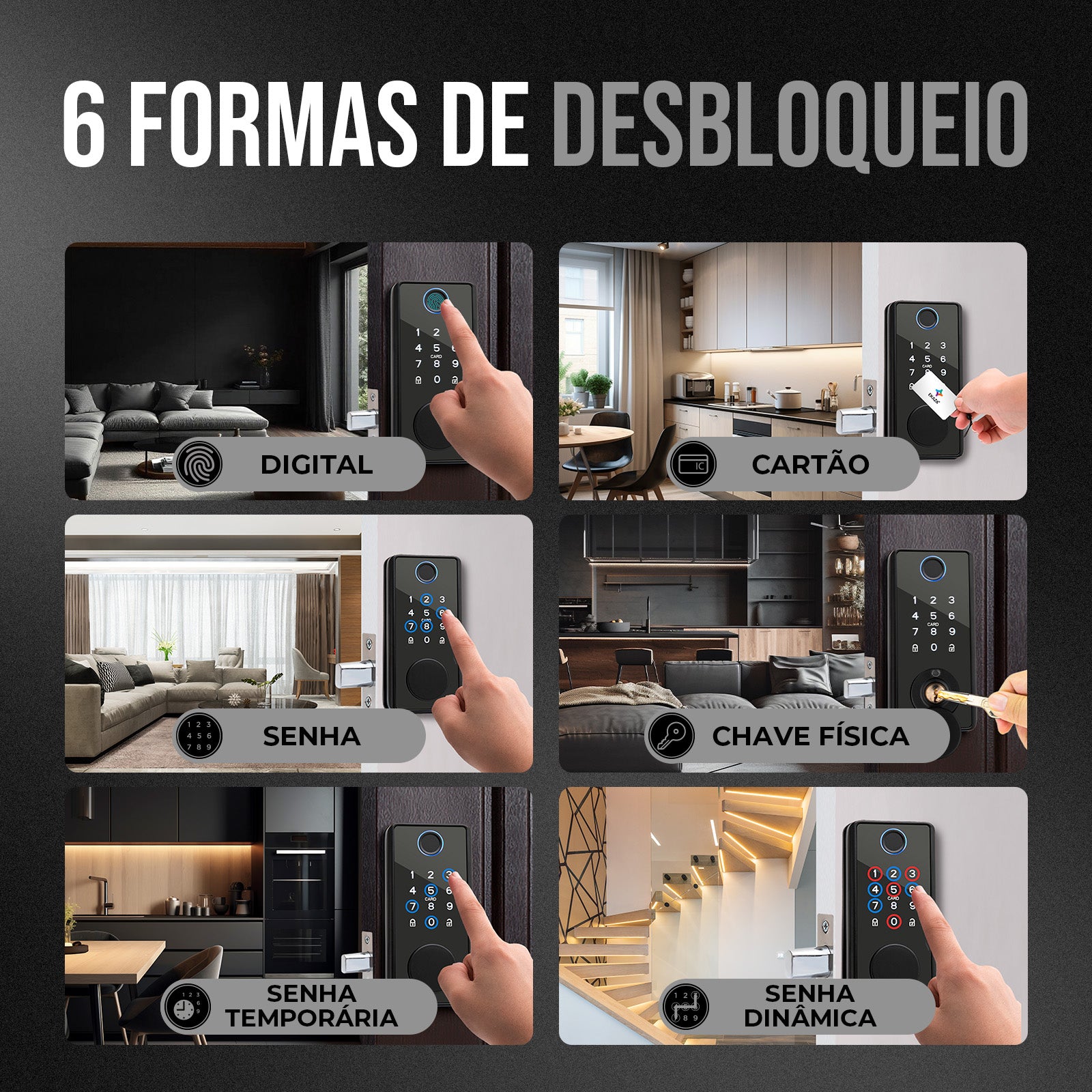
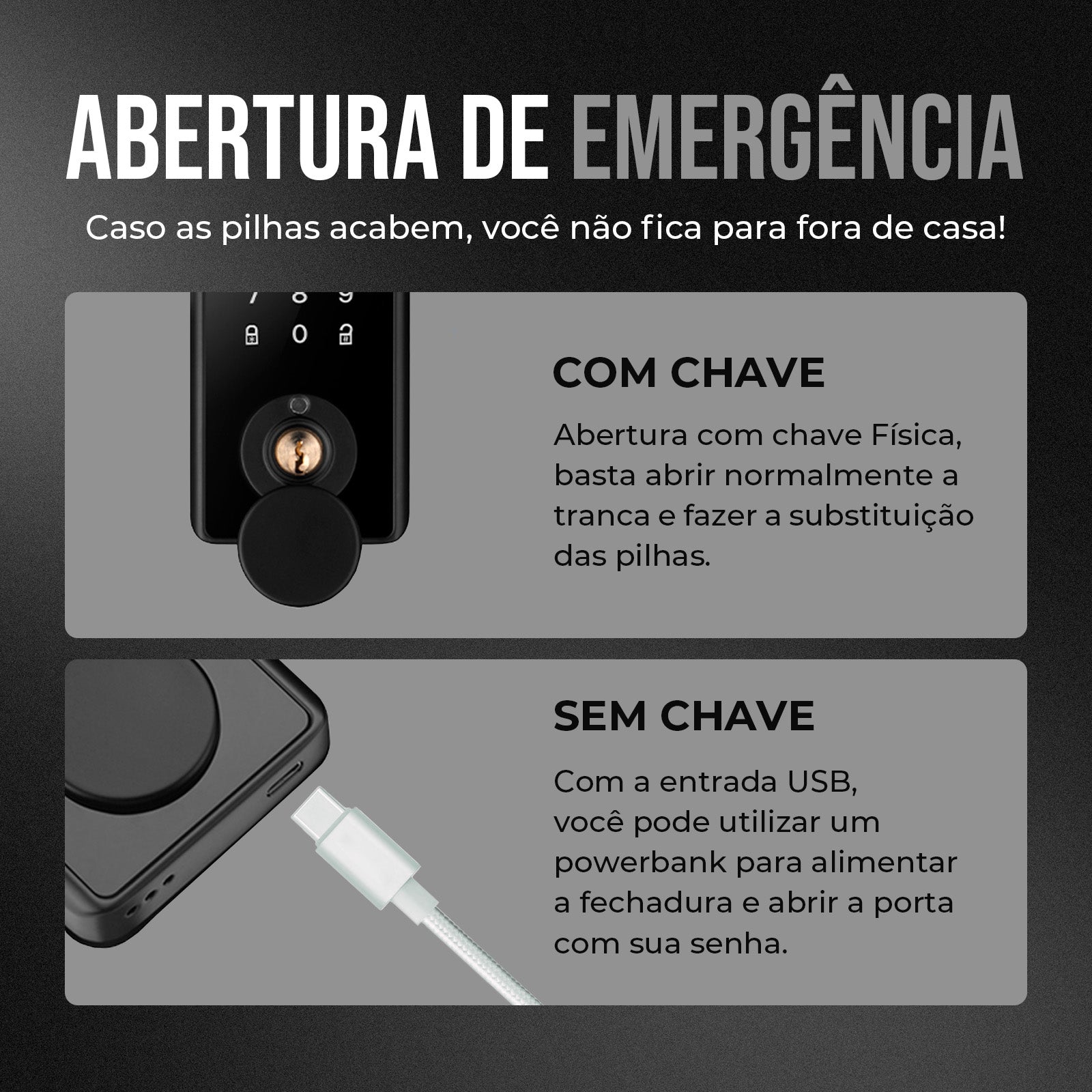
MULTIFUNCTIONAL UNLOCKING: BIOMETRICS, PASSWORD, TAG, KEY
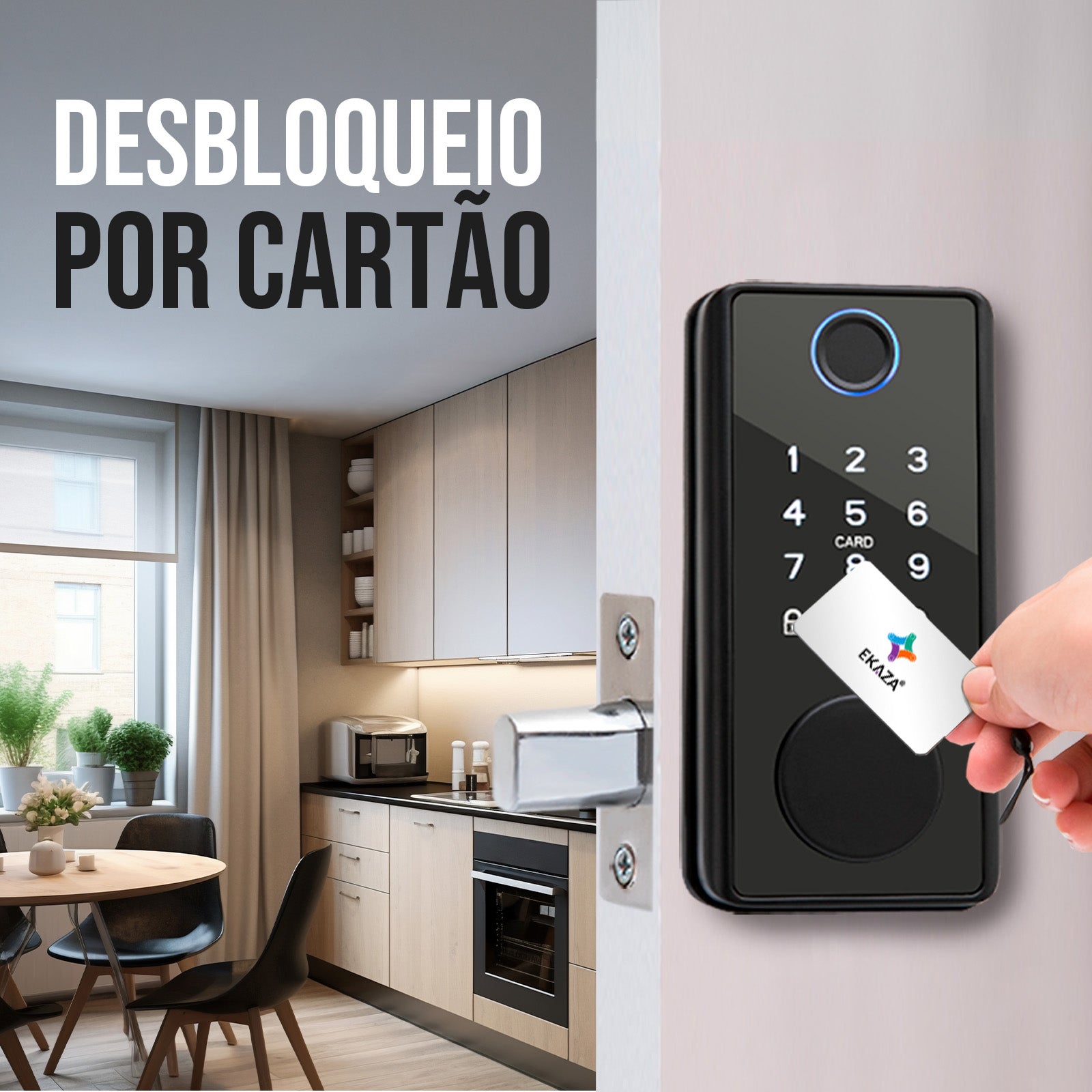
EKAZA Electronic Lock offers different access methods to meet your needs: fast and accurate biometric unlocking, personalized numeric password, magnetic tag for greater convenience, and physical keys as a backup option. In addition, you can create dynamic passwords for one-time access and temporary passwords for visitors, ensuring security in temporary situations.
HIGH USER CAPACITY
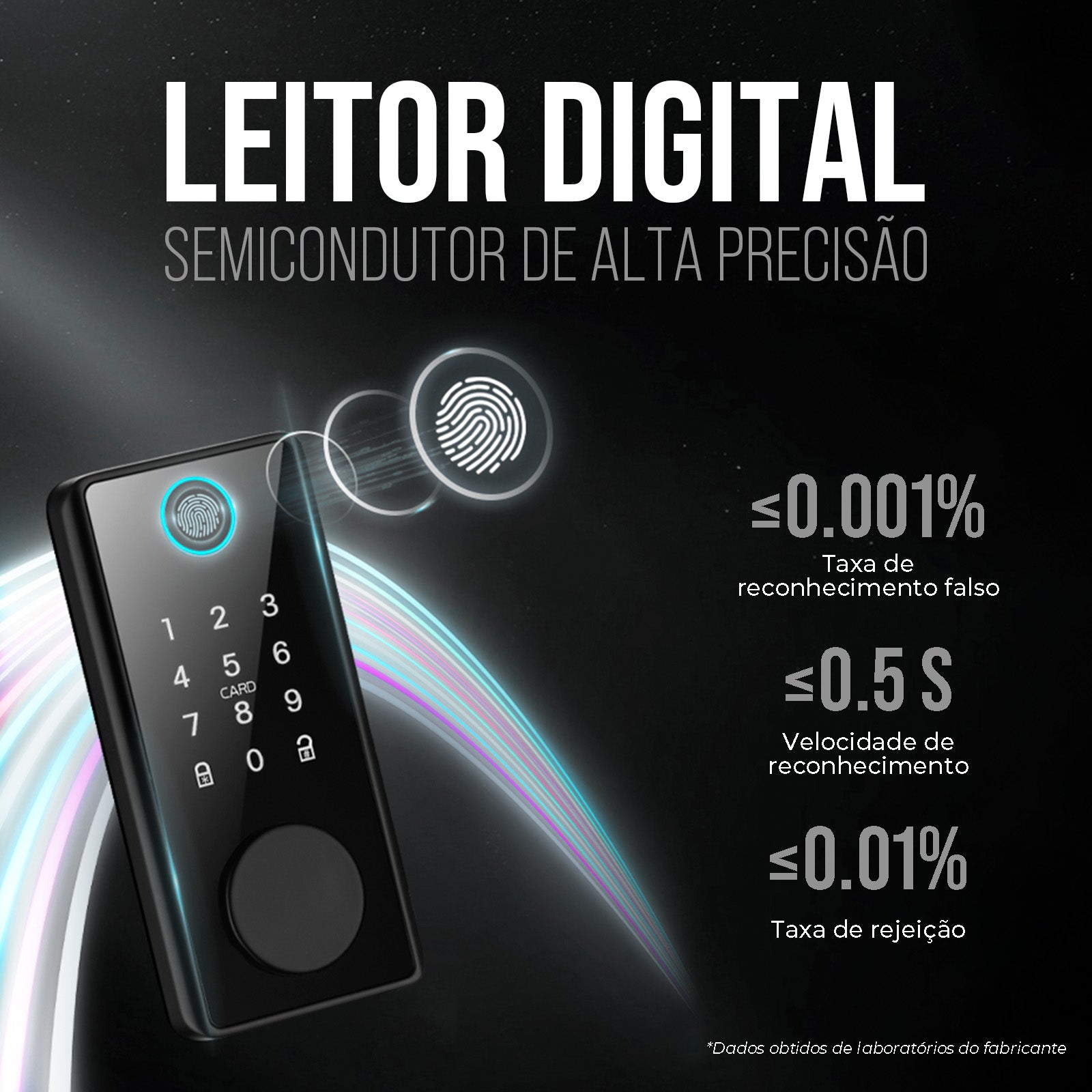
With capacity for up to 200 users, including 100 fingerprint registrations, this lock is ideal for large families or small businesses. A rejection rate of less than 0.1% ensures a reliable and efficient experience.
DURABILITY AND SAFETY
Constructed with high-quality materials such as aluminum and ABS, the EKAZA Electronic Lock is robust and durable, ensuring consistent and reliable performance.
I also like
Fast and Free Shipping over R$ 150.00
30-day money-back guarantee
Hassle-Free Guarantee
Lifetime Customer Support
Unboxing & Reviews

@ekaza.com.br
Specifications
Technical Sheet
Content
FAQs
O aplicativo não encontra a fechadura, o que fazer?
Verifique se a fechadura está em modo de pareamento (luz piscando). Confirme que o celular está conectado a uma rede 2.4 GHz. Mantenha o celular próximo à fechadura durante o pareamento. Reinicie a fechadura e repita o processo.
O que significa quando a fechadura emite sinais sonoros ou luz vermelha?
Bips rápidos: erro de leitura da digital, senha incorreta ou cartão não cadastrado. Luz vermelha: bateria fraca ou tentativa de acesso inválido.
Como restaurar a fechadura para configuração de fábrica?
Acesse o menu principal com ** Digite a senha de administrador. Pressione 4 (Restaurar de Fábrica). Confirme a operação.
Como conectar a fechadura ao aplicativo EKAZA?
Abra o app EKAZA e toque em “+” para adicionar dispositivo. Selecione Segurança → Fechadura Digital. Na fechadura, pressione ** e digite a senha de administrador 12345678 + #. Vá em Configuração de Rede → Smart Connection. No app, selecione sua rede Wi-Fi 2.4 GHz, digite a senha e aguarde a sincronização.
Contact us, official installation service will save your money and worries!
-
1 year extended warranty.
The official EKAZA construction team is at your disposal. Make your use safer and more secure.
-
Save Money!
We charge only 30% of the value of your product as a service fee, which is much lower than the market price.
Total product value Over R$1000.00
-
Redeem installation services through eCredits!
If you're already an official member, you can use your eCredits to redeem them for our services. Sign up now!
-
Contact us
Contact our professional team to help you create a smart home solution!