



Voice control with Siri using the EKAZA app.
- To create a voice command using Siri, follow these steps: In the EKAZA app, tap the "+" button in the upper right corner of the screen.
- Tap on “Create Scene” . Tap on “Tap to Run” .
- Tap on “+” > Device .
- Select the device you want to control with Siri.
- Choose the function , such as turning the light on or off . Tap Save .
- The app will ask you to name the scene (e.g., "LED Strip").
- Return to the app's home screen and enter the Automation menu . Go to the Run tab .
- Tap Add to Siri .
- Select the created scene . Rename the command to make it easier to use with Siri (e.g., "Turn on LED").
- Now, all that's left to say is: 👉 "Hey Siri, turn on the LED."

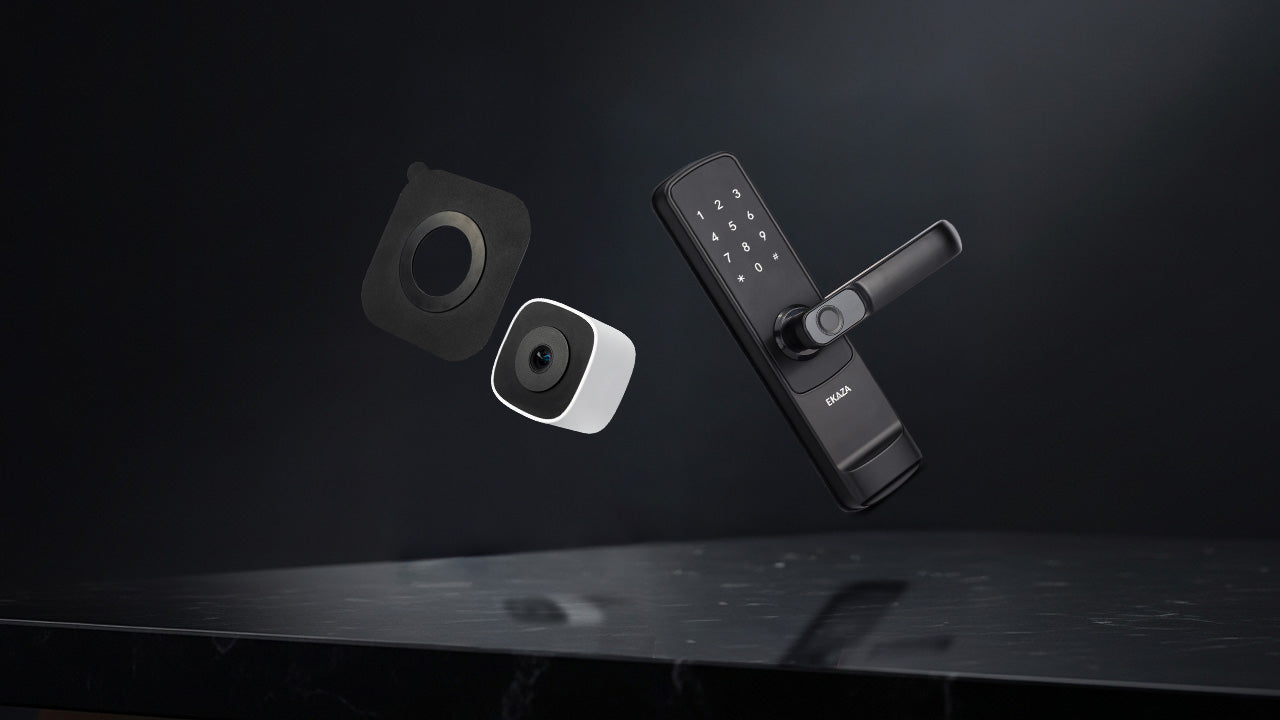
Ekaza Launches Two Innovations That Revolutionize Home Security
Fechadura digital vale a pena? 7 momentos em que ela faz diferença no seu dia