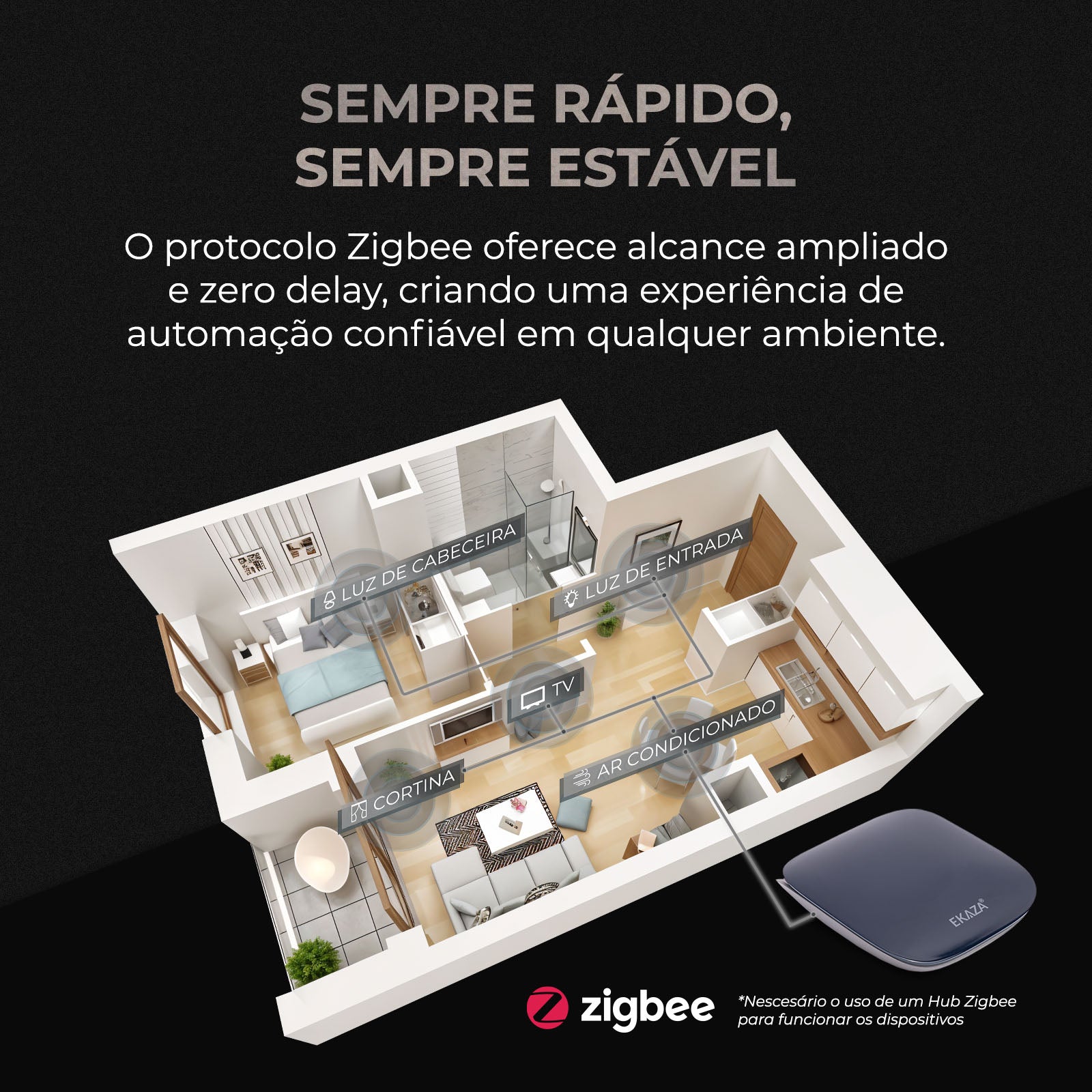
ATTENTION! THIS DEVICE REQUIRES A ZIGBEE HUB!
ATTENTION! NEUTRAL WIRE REQUIRED! POWER SUPPLY WITH NEUTRAL + LIVE (127V or 220V) OR 2 LIVE WIRES 127V
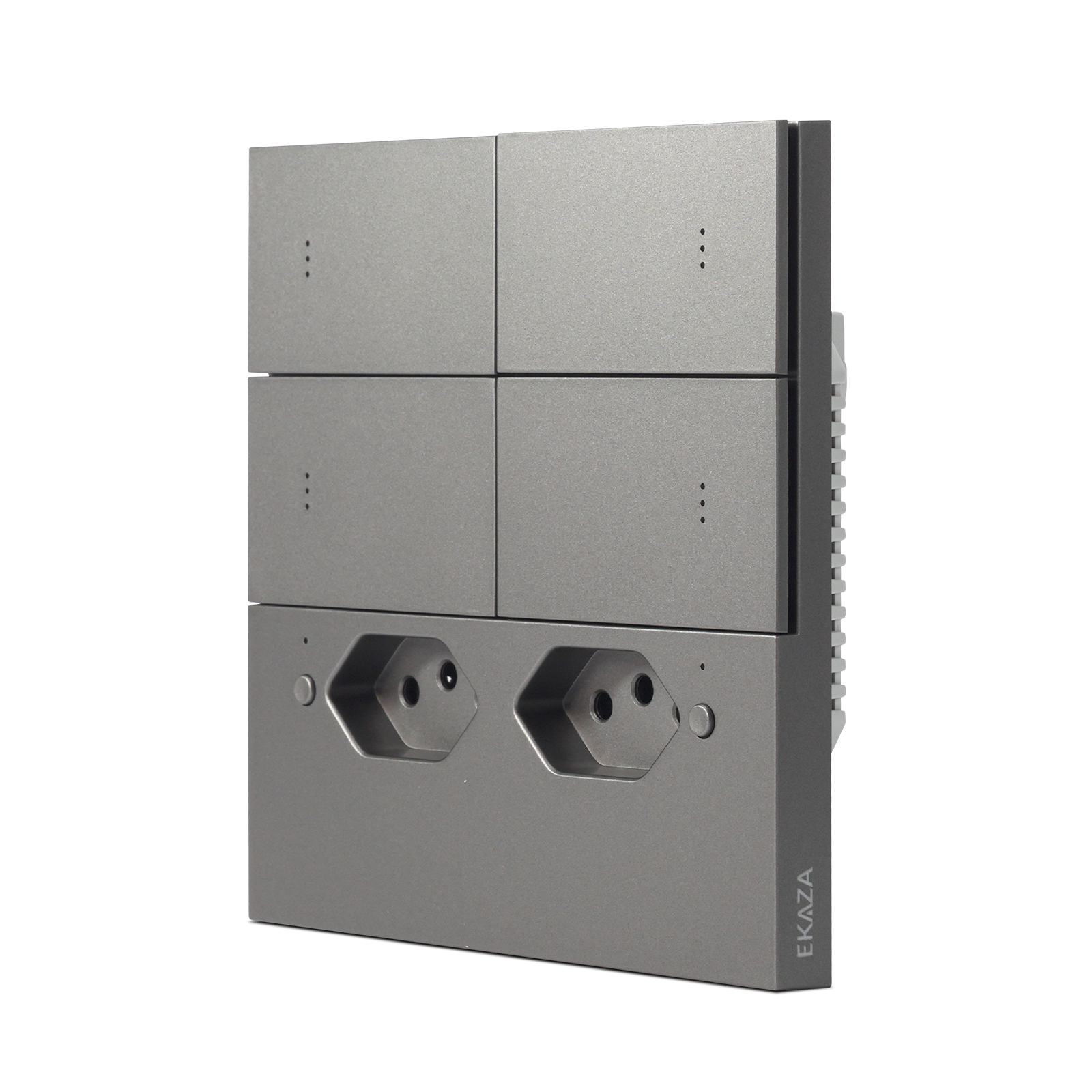
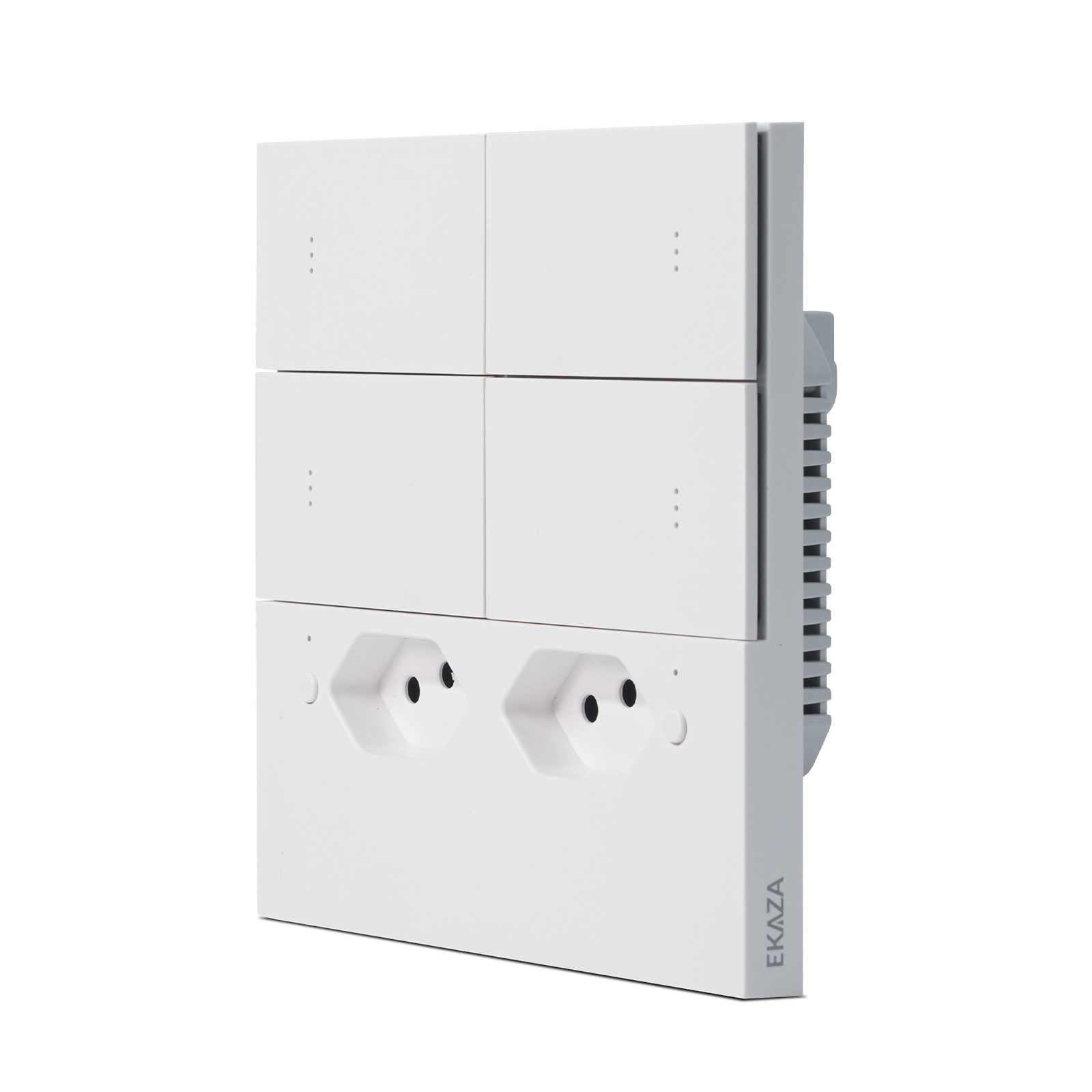
MERCURY LITE ZIGBEE 3.0 4x4 SWITCH WITH OUTLETS
The Mercúrio Lite Zigbee 3.0 4x4 Switch with Outlets from EKAZA is the complete solution for those seeking maximum functionality in a single point.
With 4 independent buttons and 2 Brazilian standard outlets, it allows you to control lighting and electrical devices in an integrated, practical, and intelligent way, ideal for more demanding and modern environments.
DESIGN AND FUNCTIONALITY
Smart integration between switches and two 10A Brazilian standard outlets, providing more control and better space utilization.
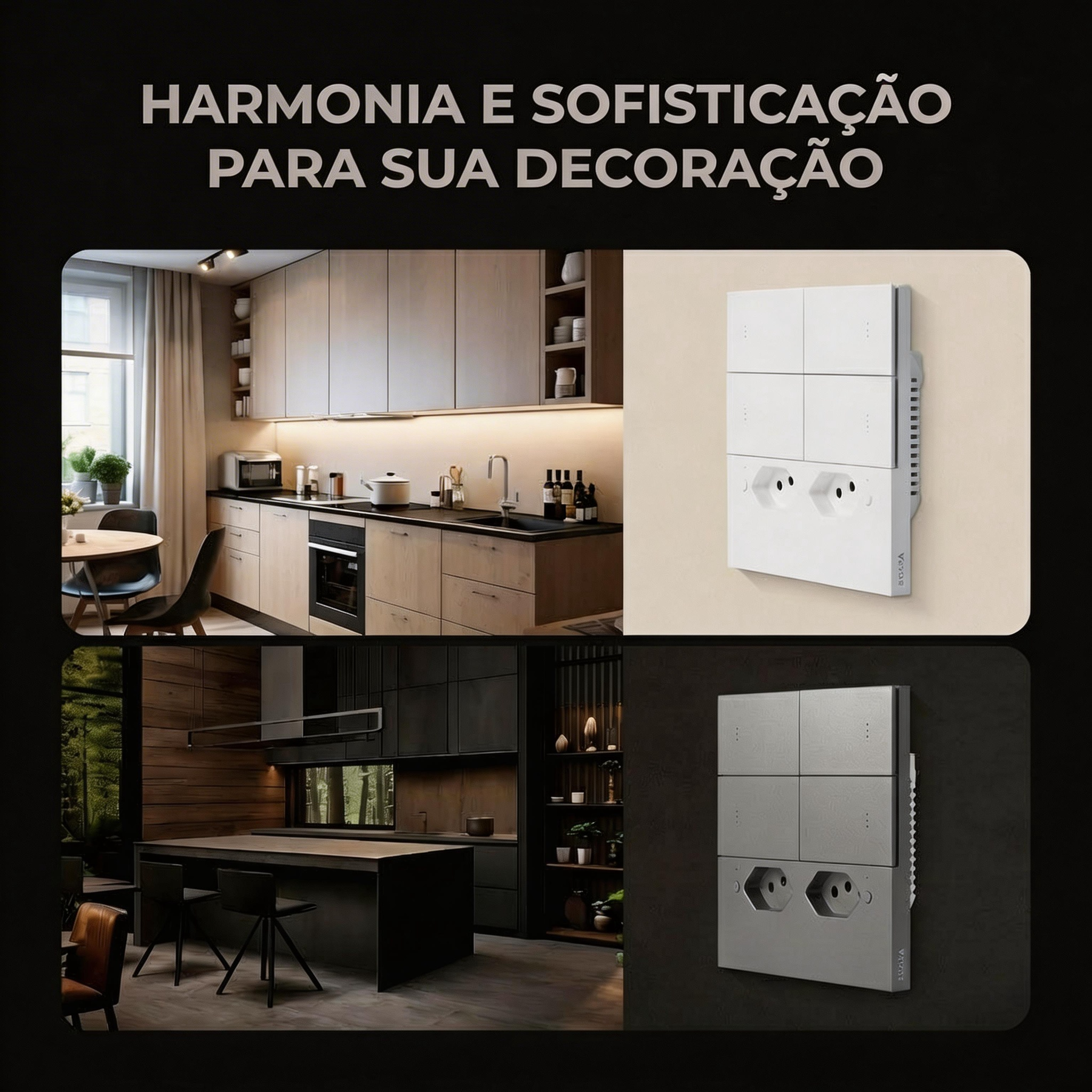
The premium ABS finish ensures a sophisticated and harmonious look in any environment.
CONTROL AND SECURITY
Have total control of your home with more practicality:
Schedule times to turn on and off automatically
Create personalized scenes for different times of the day
Use presence simulation to increase security
Control lights and appliances centrally
ZIGBEE 3.0 TECHNOLOGY
Stable, fast, and efficient connection, with full integration into the EKAZA ecosystem.
Remote control via smartphone and voice commands make your routine simpler and smarter.
ADVANCED FEATURES
4 Independent Switches: Control multiple lighting points
2 Brazilian Standard 10A Outlets: Ideal for home appliances and devices
Schedule Programming: Automate the operation of lights and appliances
Presence Simulation: More security when you're away
Remote Control via Smartphone: Access from anywhere
Voice Control: Compatible with virtual assistants
Scene Creation and Group Control: Personalized automation
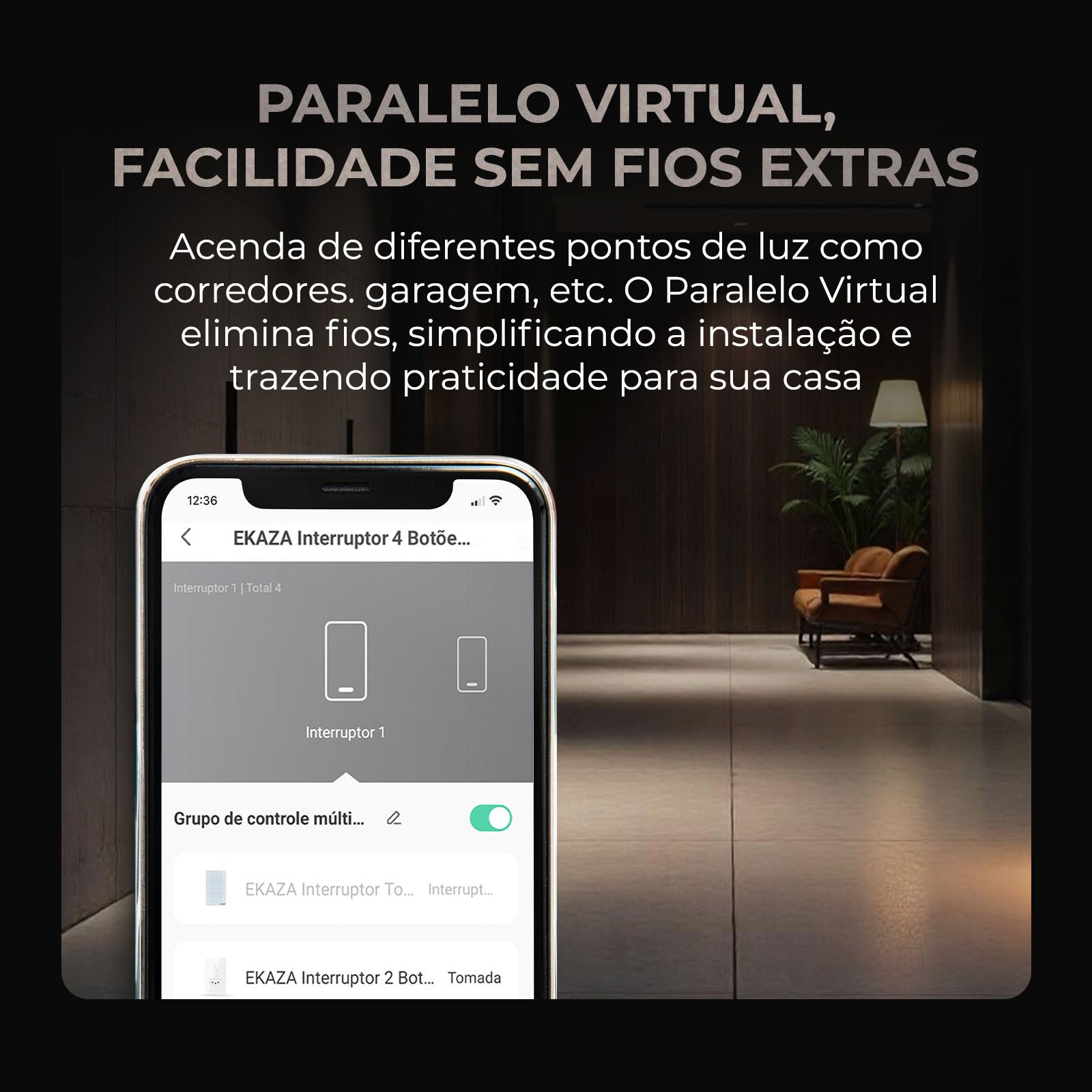
Virtual Parallel: Control of multiple points without the need for new wiring.
CONNECTIVITY
• Zigbee 3.0
VIRTUAL ASSISTANT COMPATIBILITY
• Alexa: Echo, Echo Dot, Echo Show
• Google Assistant: Nest, Nest Mini, Nest Hub
EKAZA APP
Available for Android and iOS
Complete control of your home directly from your cell phone.