


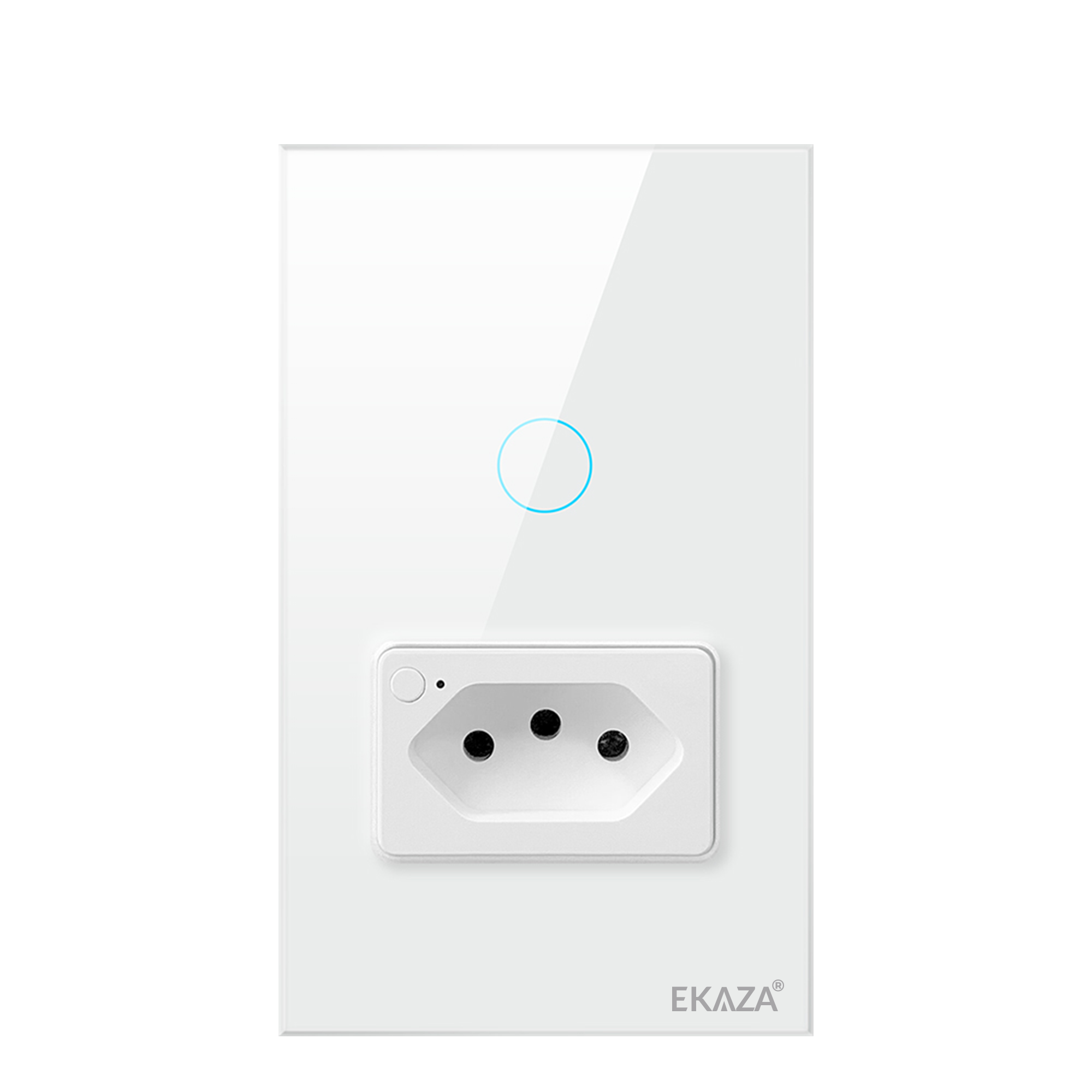
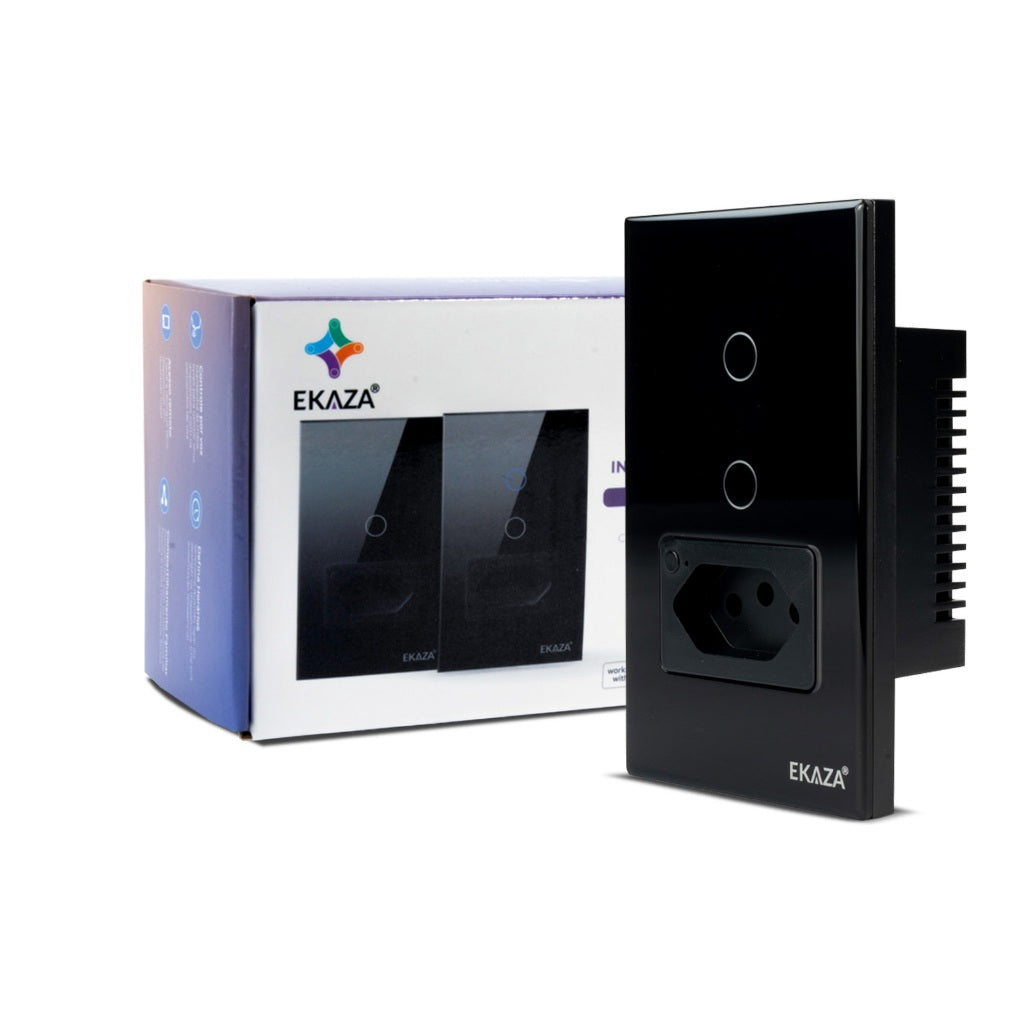
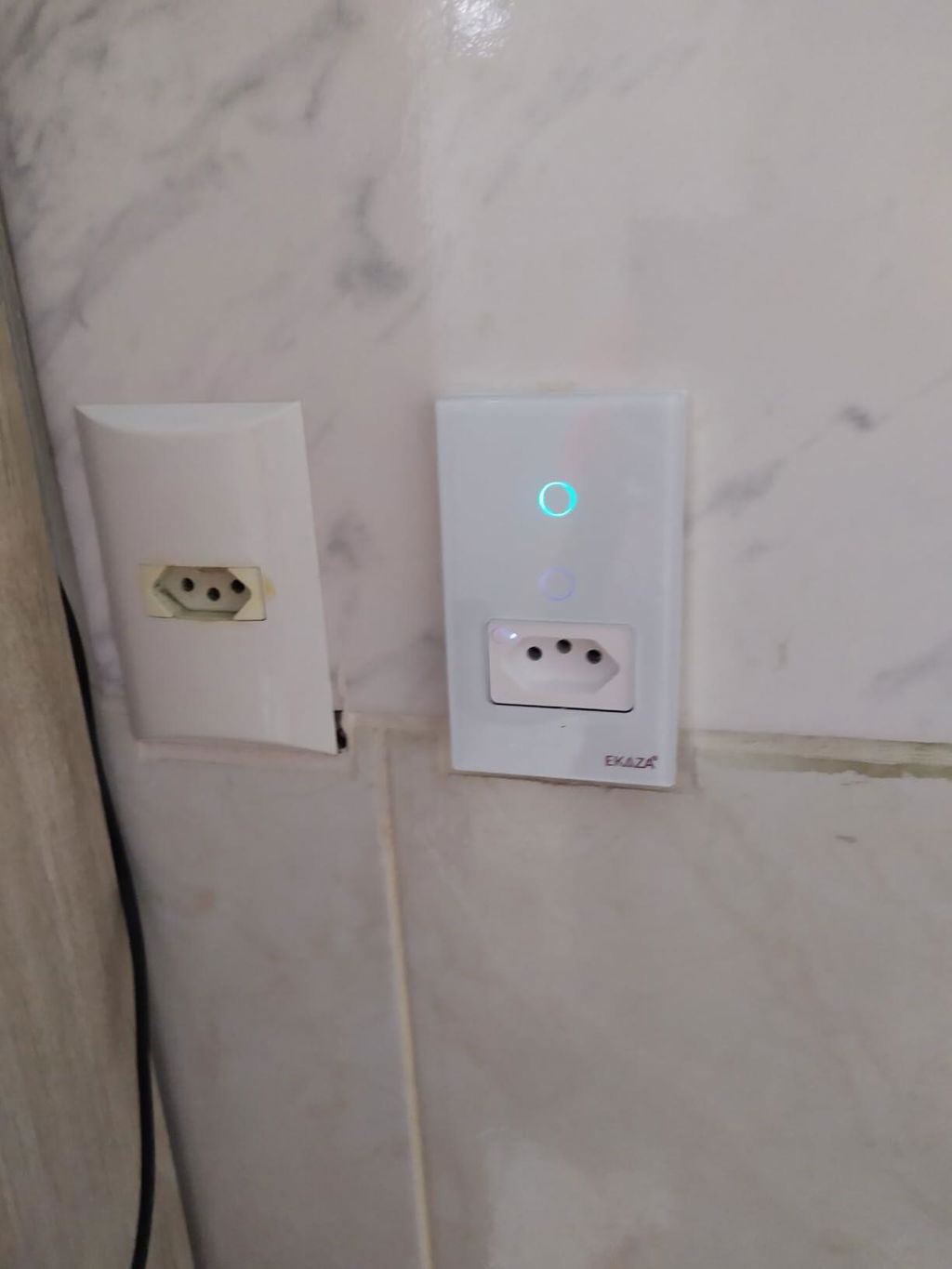
EKAZA Switch with Socket 20A Touch 2.5D 1 Button WIFI
EKAT-T218-1WB
Description
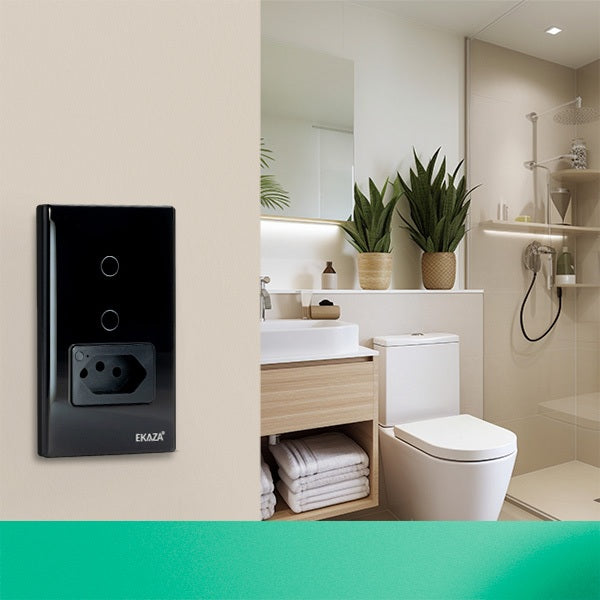
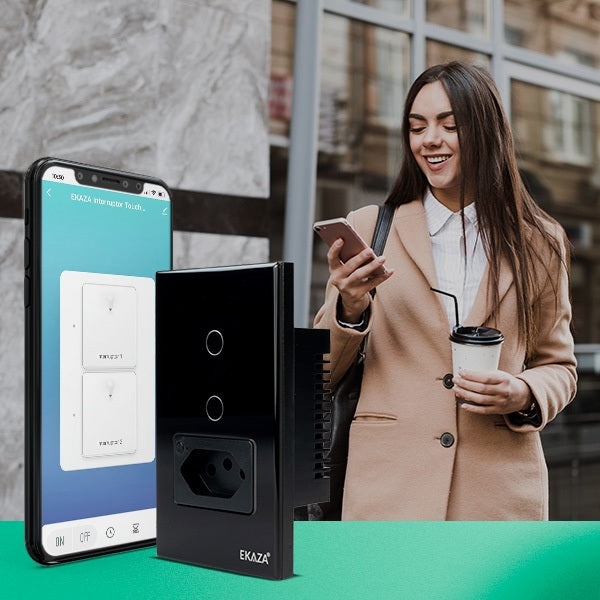
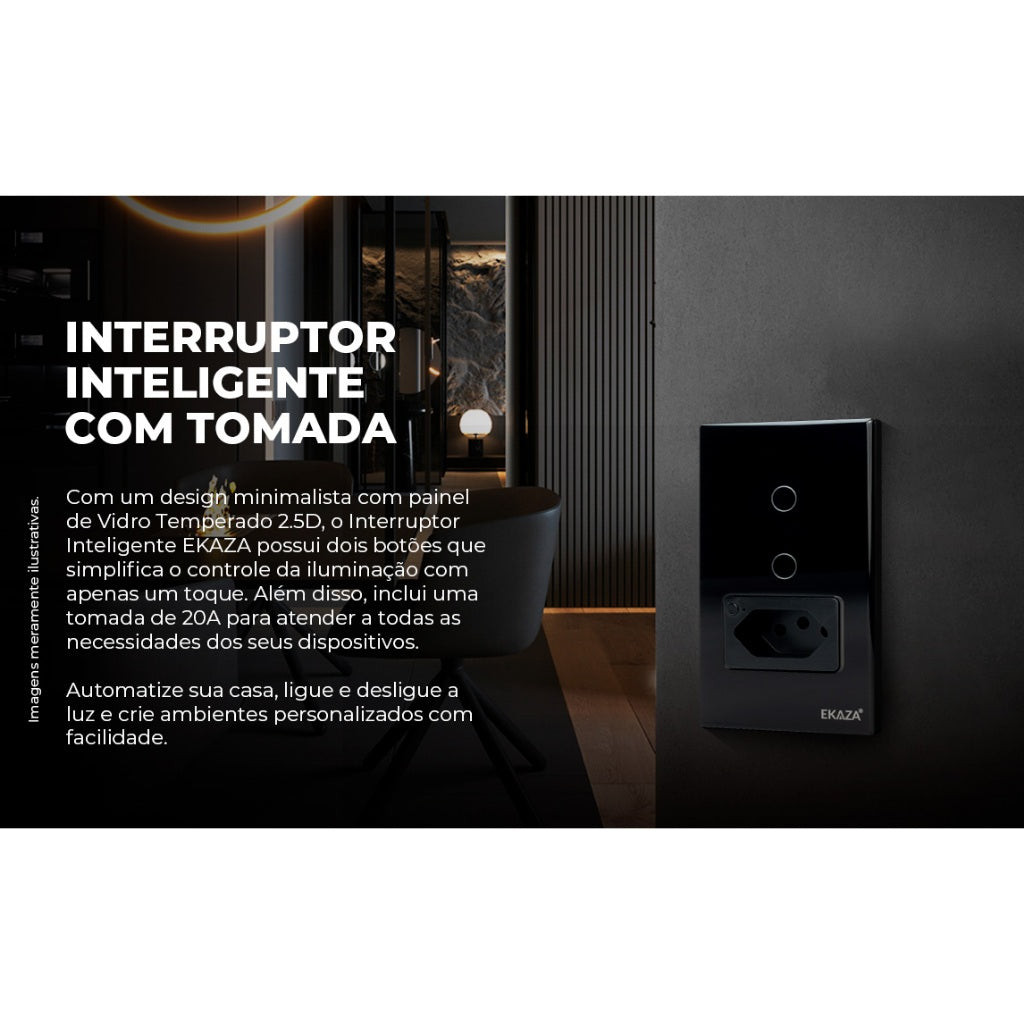
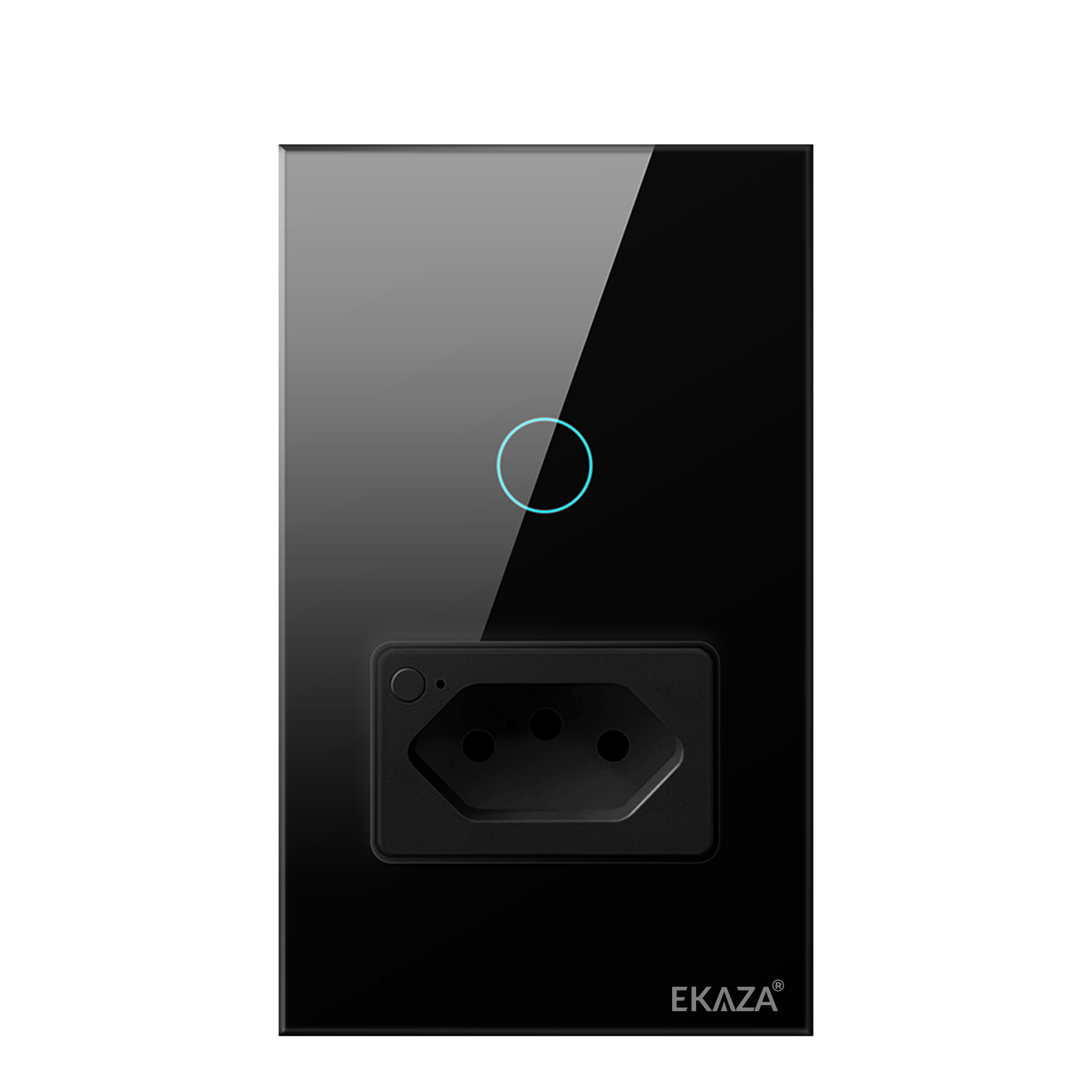
The EKAZA Smart Switch with 20A socket is designed for those seeking practicality and modernity in controlling electrical devices. This multifunctional device allows you to control both lighting and high-power electronic appliances, providing convenience and efficiency in your daily life. With a sophisticated design and full integration with your smartphone, you have total control in the palm of your hand.
TEMPERED GLASS PANEL
Equipped with a tempered glass panel, the switch offers an elegant and durable look. This material not only adds a modern touch to the environment, but also ensures resistance to scratches and impacts, keeping your switch always looking new.
REMOTE CONTROL VIA SMARTPHONE
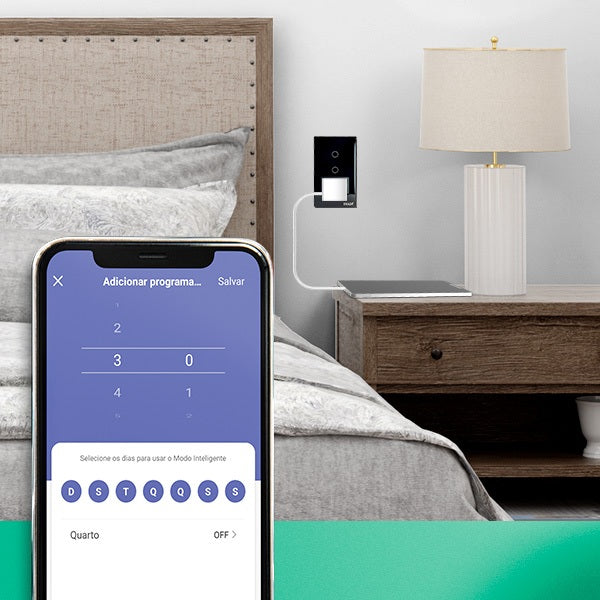
With the EKAZA app, you can control lighting and devices plugged into your outlet from anywhere. If you forgot to turn off the light or want to turn on an appliance before you get home, everything can be done through your smartphone with just a few taps.
CREATION OF AUTOMATION SCENES AND VOICE CONTROL
Personalize your environment by integrating the switch with other smart devices in your home. With scene creation, you can program automated actions, such as turning on lights, switching on electronic devices, and adjusting other devices with a single voice command or tap on the app. Imagine arriving home and, upon activating the Arrival Scene, the lights turn on and the air conditioning starts automatically.
ADVANCED FEATURES:
Tempered Glass Panel: Modern and sophisticated design, ideal for any environment, with high scratch resistance and easy cleaning.
Scheduling : Program the operation of lights and appliances according to your routine, saving energy and bringing more comfort to your home.
Virtual Parallel : Easily install in parallel, without the need for additional wiring. Perfect for environments requiring control from more than one point.
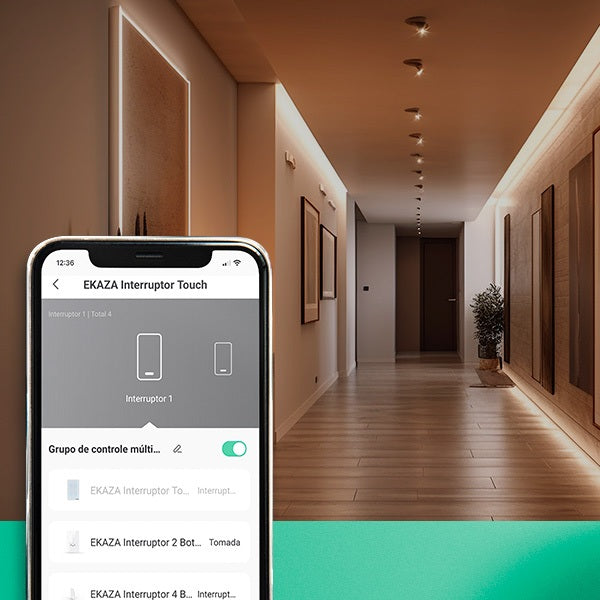
Group Control : Group multiple devices and control them simultaneously with a single command, making it easier to manage different areas of the house.
Approved by Anatel: Certified by Anatel, the product meets the technical requirements demanded in Brazil, guaranteeing safety and quality.
I also like
Fast and Free Shipping over R$ 150.00
30-day money-back guarantee
Hassle-Free Guarantee
Lifetime Customer Support
EKAZA Switch with Socket 20A Touch 2.5D 1 Button WIFI
Unboxing & Reviews

@ekaza.com.br
Specifications
Technical Sheet
Content
Dimensions
FAQs
Luz do interruptor piscando lento ou rápido, o que significa?
Piscadas rápidas indicam modo de emparelhamento (reset). Piscadas lentas podem indicar modo AP.
Posso instalar o interruptor EKAZA em uma casa 220V que não possui fio neutro?
A maioria dos interruptores inteligentes EKAZA requer fio neutro para funcionar corretamente, mas em sistemas de 220V. A instalação deve seguir, com uma fase no lugar do neutro, sendo fase e fase. Recomenda-se que seja feita por um profissional qualificado.
Posso manter meus interruptores normais usando o Mini Módulo Relé 4 canais?
Sim, os módulos ele tem a função de torna os interruptores convencionais em inteligentes, para automatizar as suas luzes.
Como resetar um interruptor EKAZA ?
Ligue o interruptor. Pressione o botão físico 6 vezes consecutivas. Na sexta vez, mantenha pressionado por 6s. O LED deve piscar rápido → reset concluído. Se não funcionar, remova do app e adicione novamente.
O interruptor fica offline com frequência.
Teste em hotspot 4G/5G. Verifique se o roteador não está sobrecarregado. Atualize firmware. Redefina e configure novamente.
Preciso de um HUB Zigbee para usar interruptores WiFi?
Não, os interruptores de WiFi não precisa de um Hub Zigbee para funcionar. Dispositivos Wi-Fi operam em seu próprio protocolo de comunicação e se conectam diretamente ao seu roteador Wi-Fi, sem a necessidade de um Hub Zigbee. Apenas dispositivos com tecnologia Zigbee (identificados com 'Z' no código do modelo) exigem um Hub Zigbee para se conectar à rede e ao aplicativo.
O dispositivo não pode ser conectado?
1. Verifique se o dispositivo está conectado ao Wi-Fi normalmente -> Usar celular como roteador temporário Se o dispositivo conseguir se conectar usando o celular como roteador temporário, o problema está nas configurações do roteador. 2. Verifique as configurações do roteador. 2.1 Se o Vivo usado como roteador. 2.2 Verifique se a frequência de 2,4 GHz deve ser usada. 2.3 Verifique o método de criptografia. Certifique-se de que a autenticação da rede seja WPA2-PSK e o tipo de criptografia seja AES 2.3 Verifique o canal da rede. 2.4 Verifique a qualidade da rede. A qualidade da comunicação da rede sem fio é ruim, o valor do ping é alto e a perda de pacotes 3 Verifique o modo de pareamento do dispositivo.
Meu dispositivo não conecta ao Wi-Fi. O que fazer?
Verifique se está usando rede 2.4GHz (não suporta 5GHz). Se o modo padrão (EZ Mode) falhar, utilize o Modo AP: Abra o aplicativo EKAZA → “+” para adicionar dispositivo. Selecione Modo AP no canto superior. Confirme que o LED está piscando lentamente. Selecione a rede Wi-Fi 2.4GHz. Conecte-se à rede criada pelo dispositivo (ex: SmartLife-XXXX). Volte ao app e aguarde a conexão.
Contact us, official installation service will save your money and worries!
-
1 year extended warranty.
The official EKAZA construction team is at your disposal. Make your use safer and more secure.
-
Save Money!
We charge only 30% of the value of your product as a service fee, which is much lower than the market price.
Total product value Over R$1000.00
-
Redeem installation services through eCredits!
If you're already an official member, you can use your eCredits to redeem them for our services. Sign up now!
-
Contact us
Contact our professional team to help you create a smart home solution!