


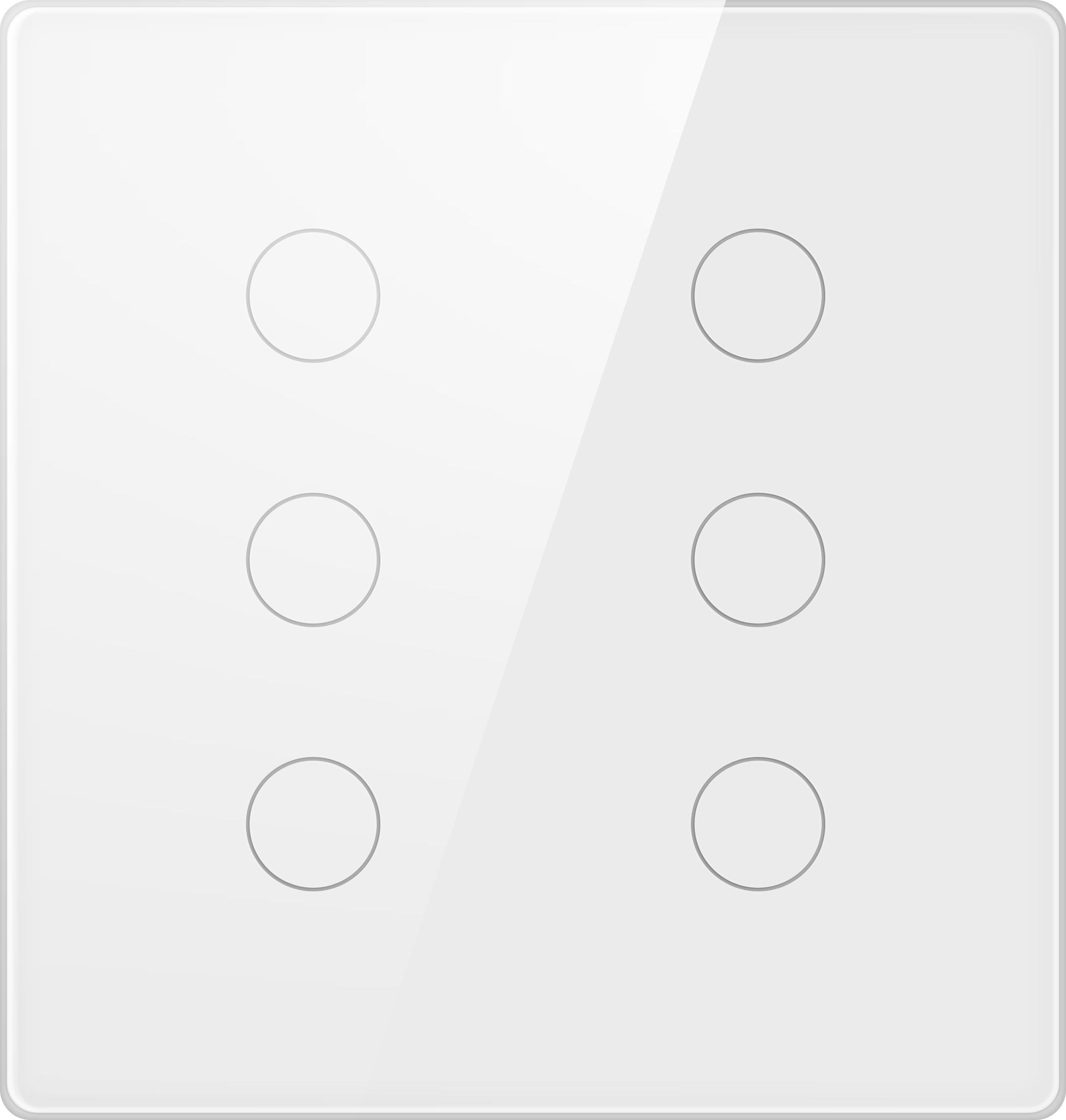
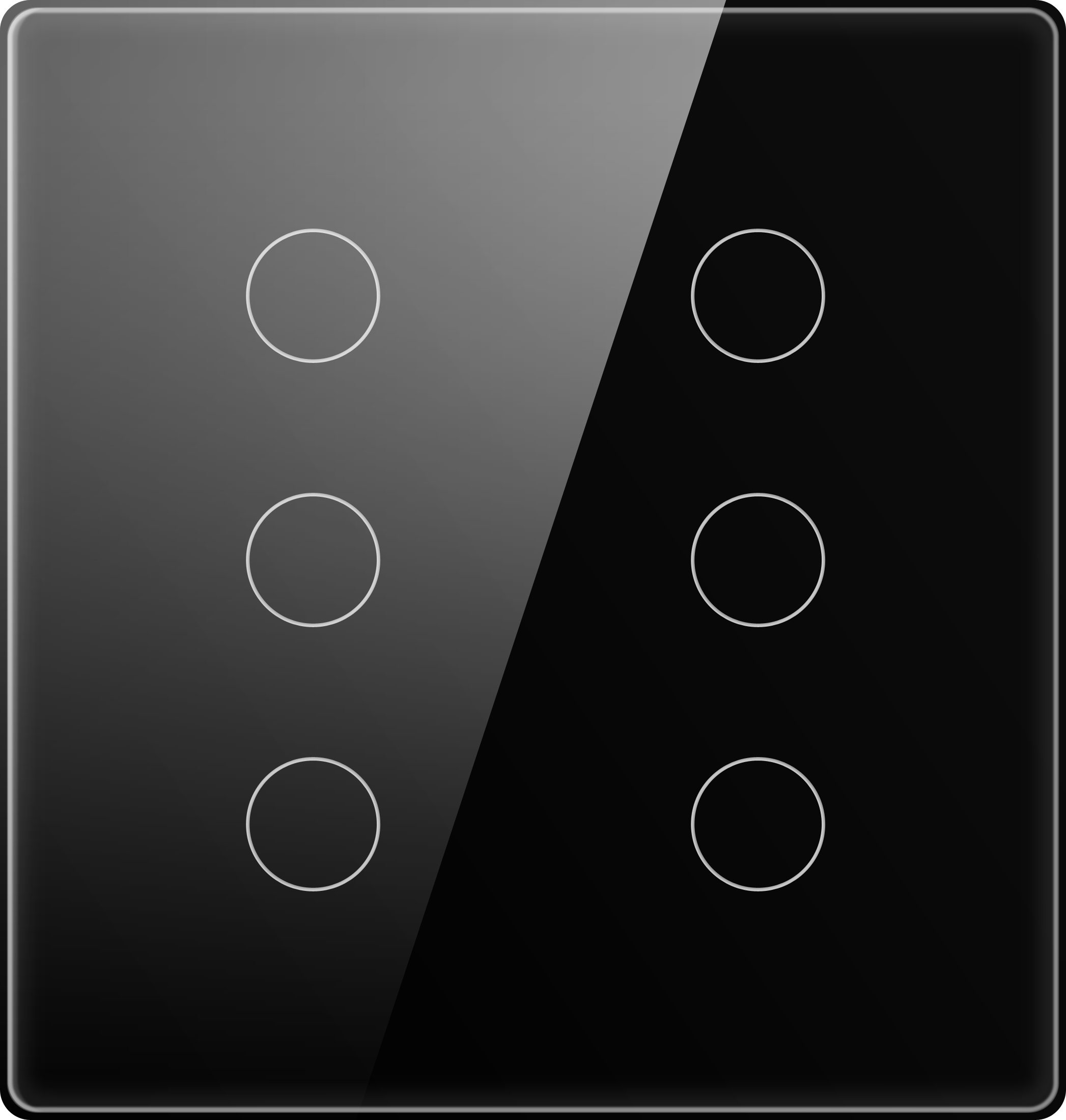
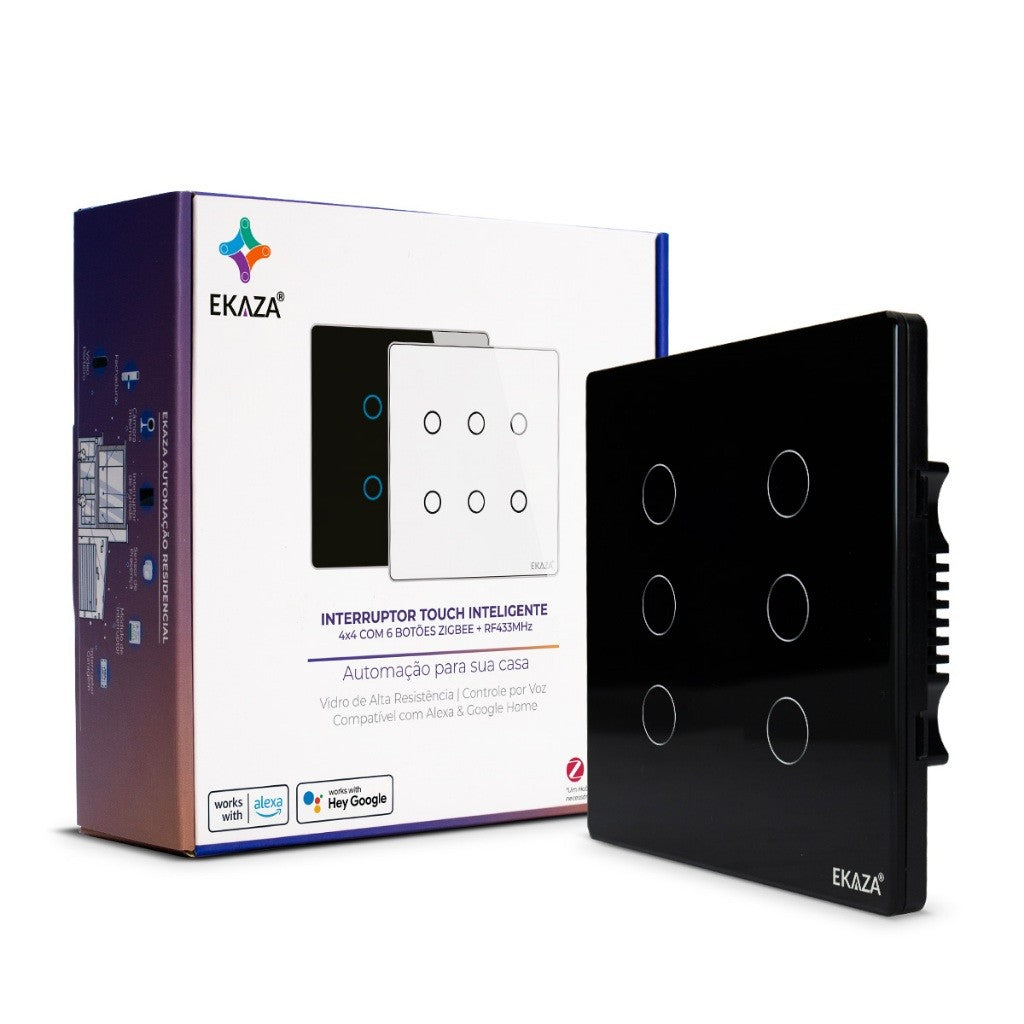
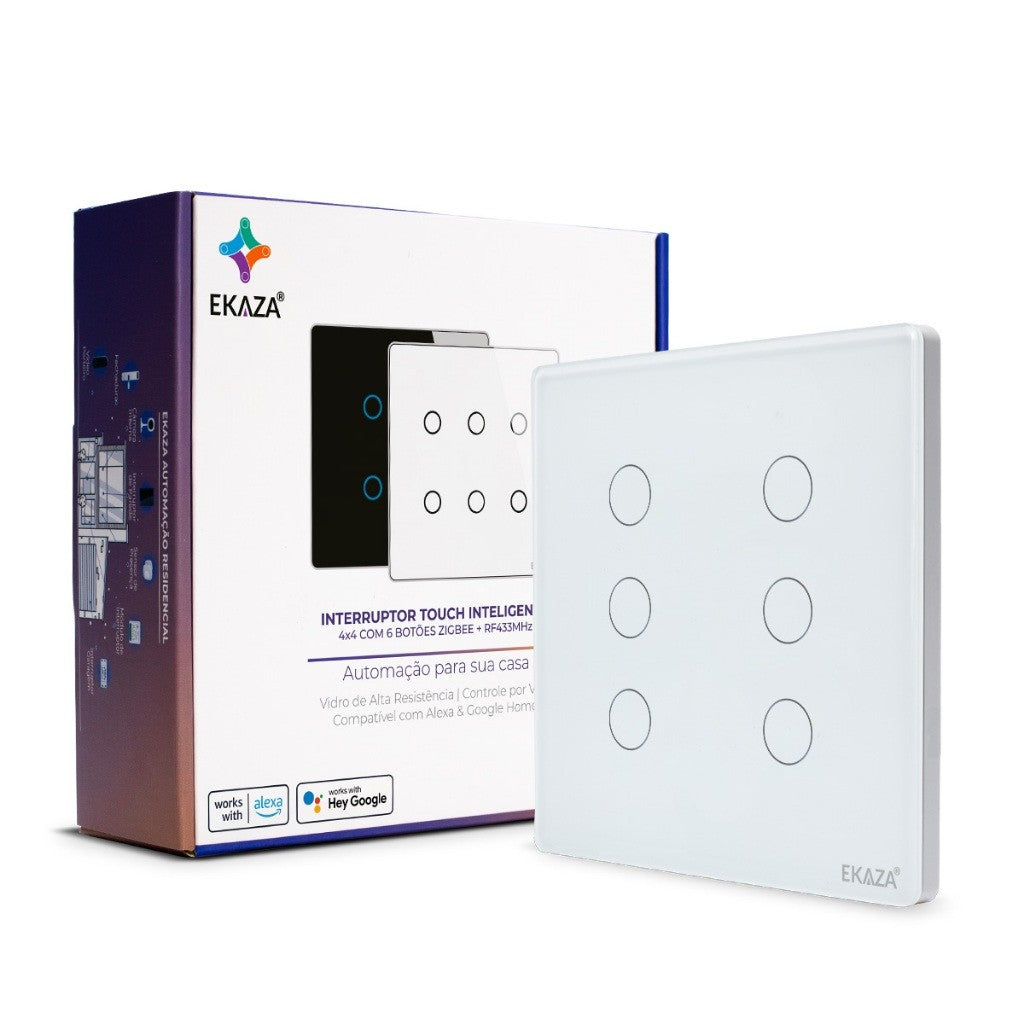
Smart Switch 4x4 Glass Touch 2.5d
EKAT-T3074-6W
Description
TOTAL CONTROL OF LIGHTING WITH ELEGANCE
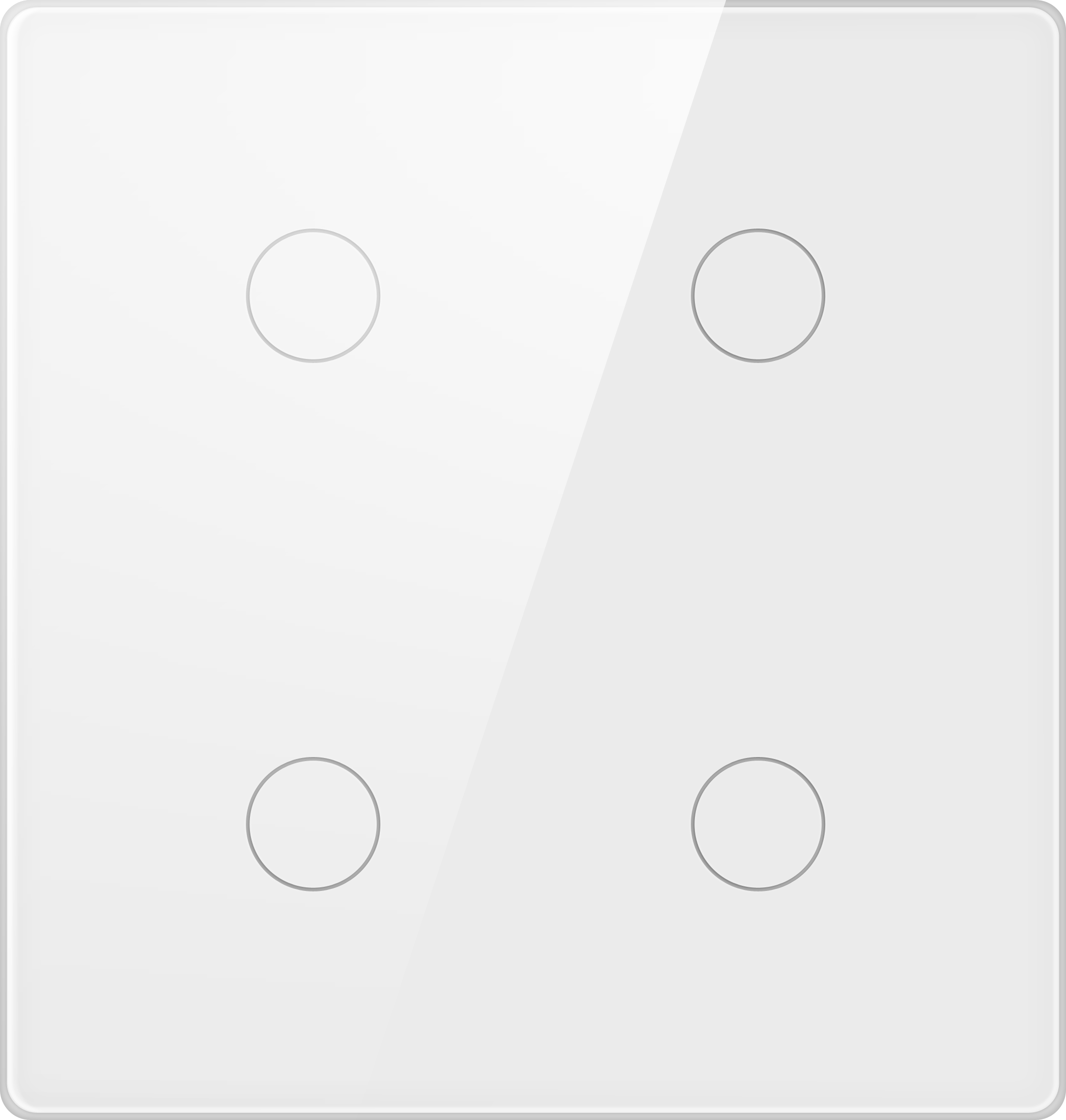
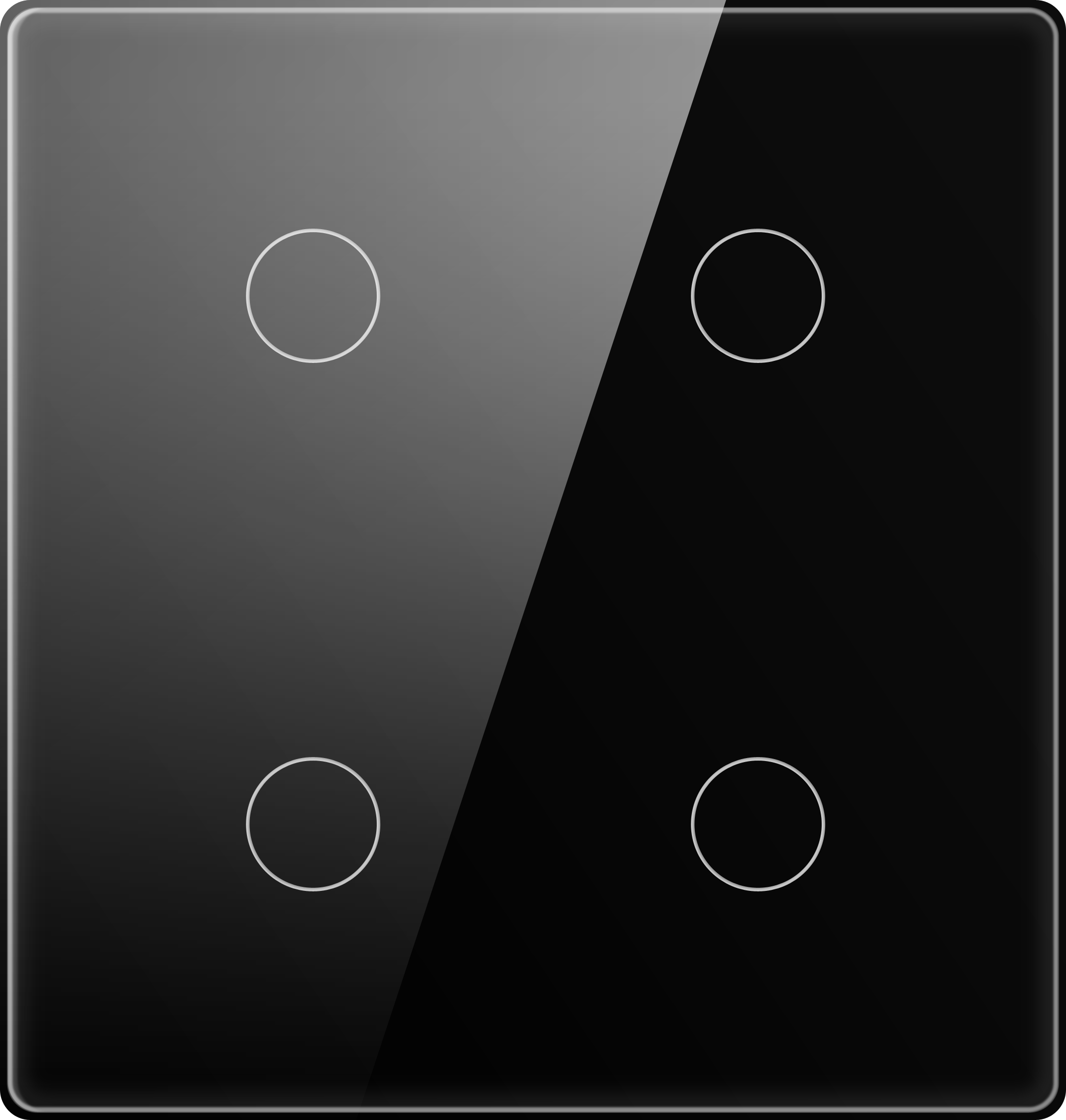
The EKAZA 4x4 Smart Switch with 4 Wi-Fi Buttons combines modern design with practical functionality, bringing more comfort and technology to your daily life. Its tempered glass panel and the Brazilian 4x4 standard make installation easy and compatible with the main flush-mount boxes on the market.
AUTOMATE YOUR ROUTINE
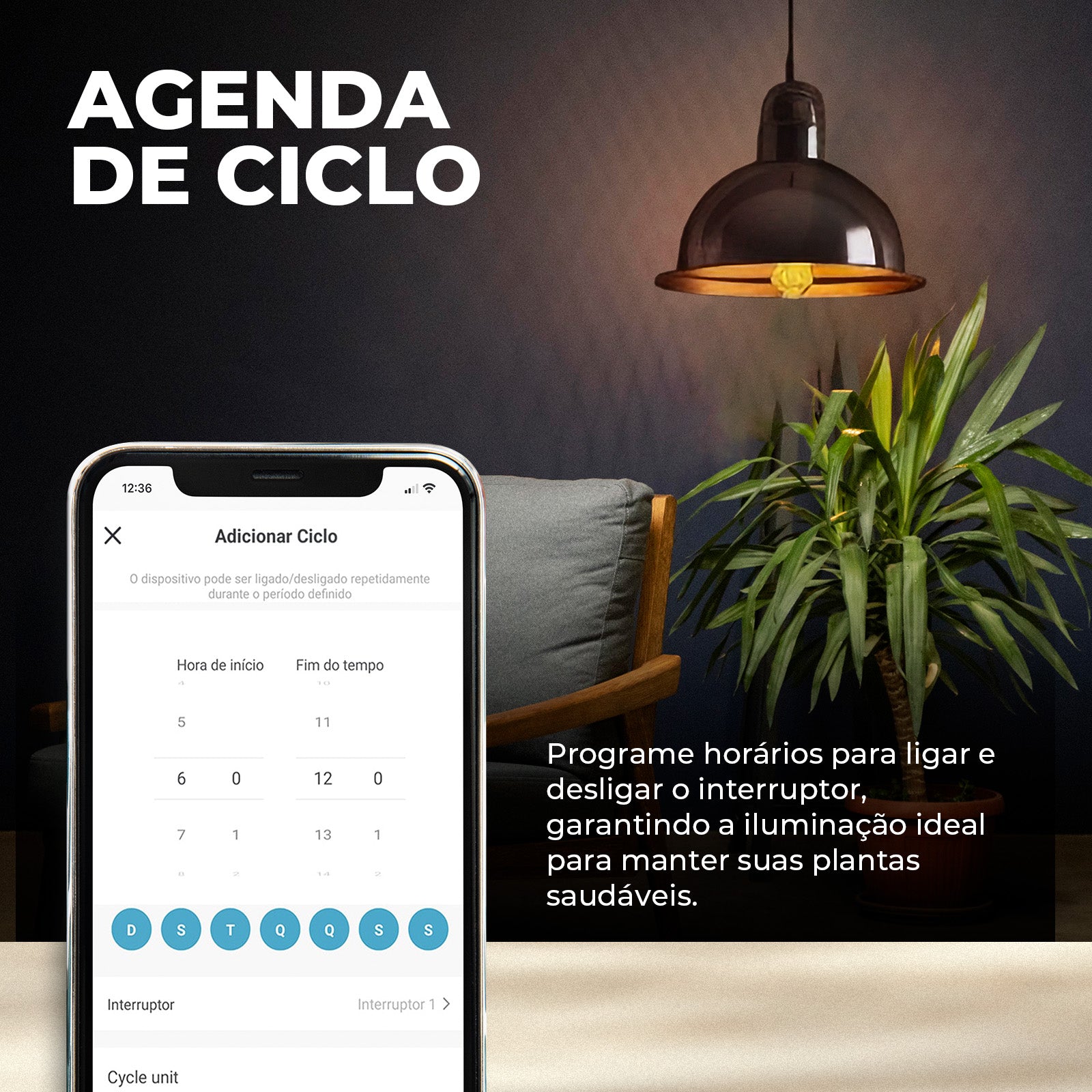
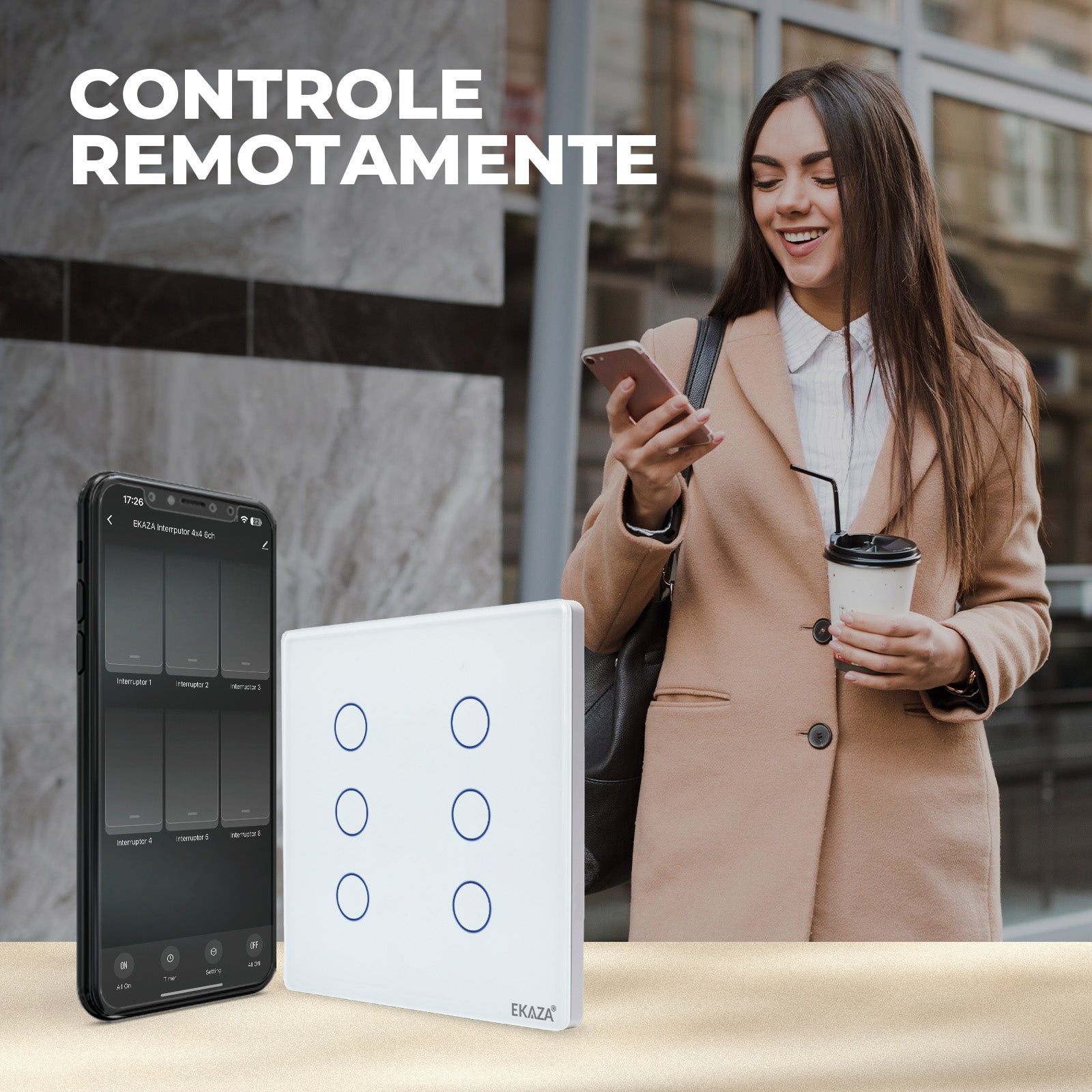
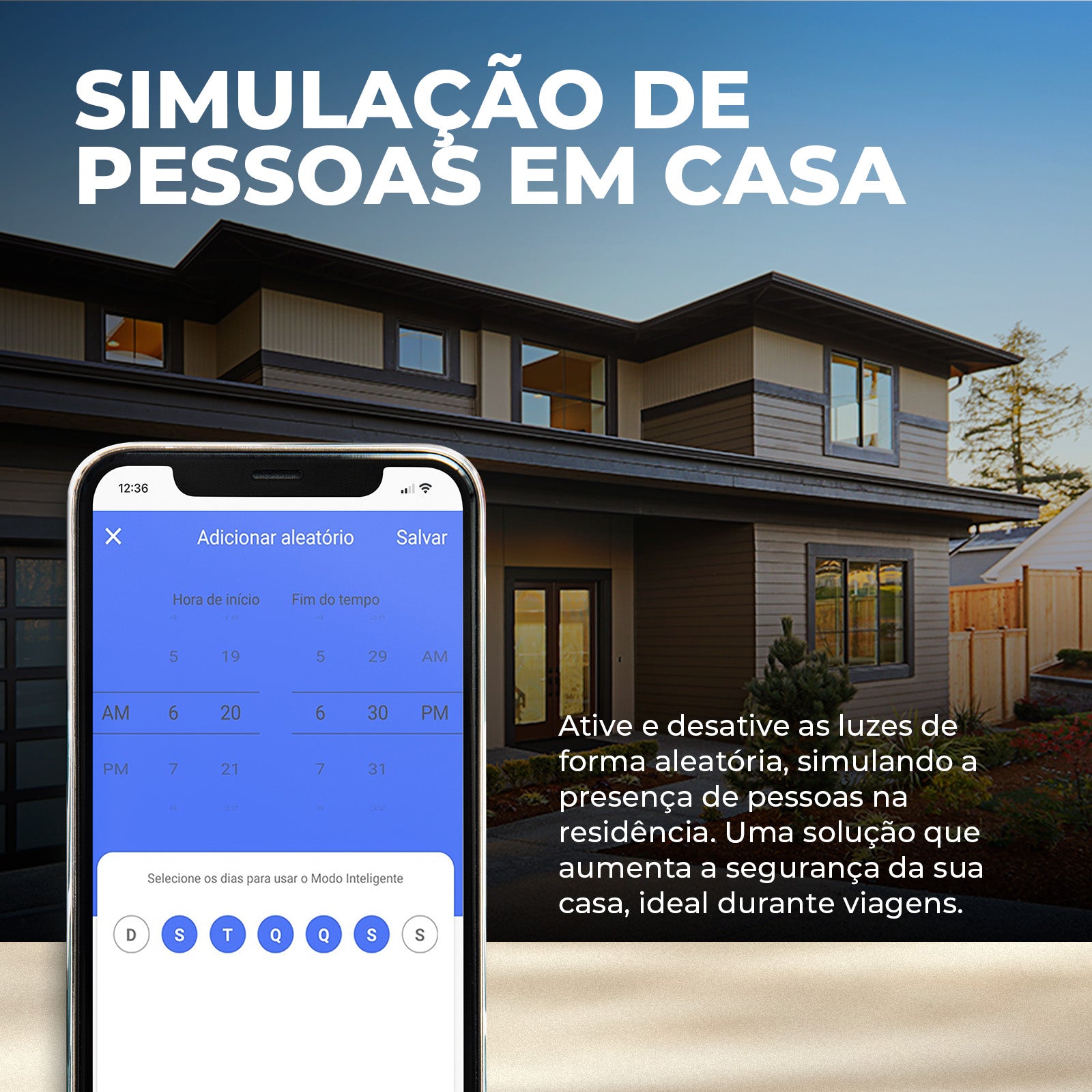
With the scheduling function, you can program the turning of lights on and off according to your routine, saving energy and optimizing comfort. The 4 touch buttons offer intuitive and smooth control, allowing you to manage the lighting directly from your smartphone or by voice commands, integrating perfectly with virtual assistants.
PERSONALIZE YOUR ENVIRONMENT
Creating automation scenes allows you to customize the environment to suit your needs, whether for a movie night or to create a relaxing atmosphere. Furthermore, with the group control function, you can manage different switches centrally.
ADVANCED FEATURES:
- Tempered Glass Panel: Modern and durable design that complements any environment.
- Scheduling: Program the light times according to your routine.
- Voice and Smartphone Control: Compatible with virtual assistants and remote control via the EKAZA app.
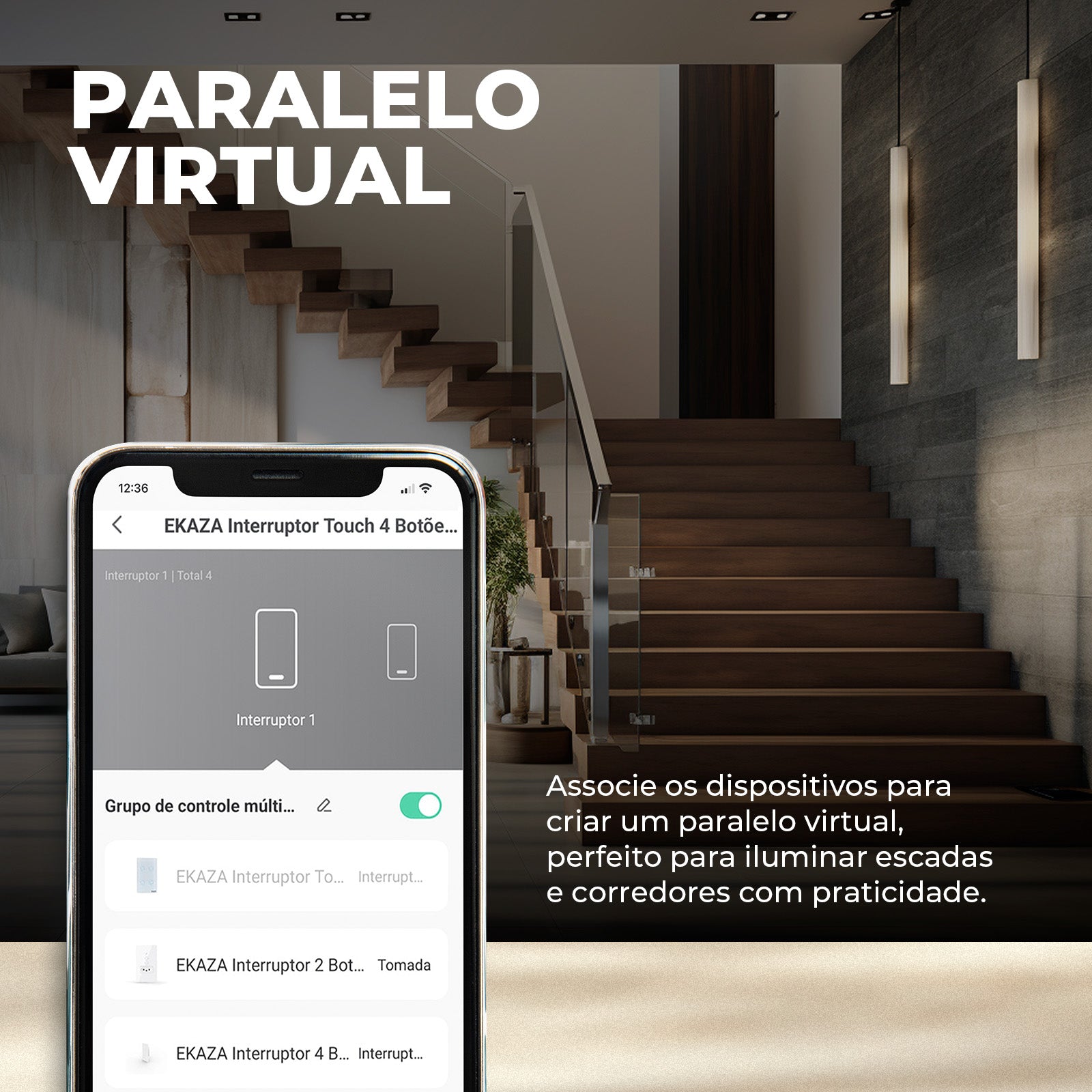
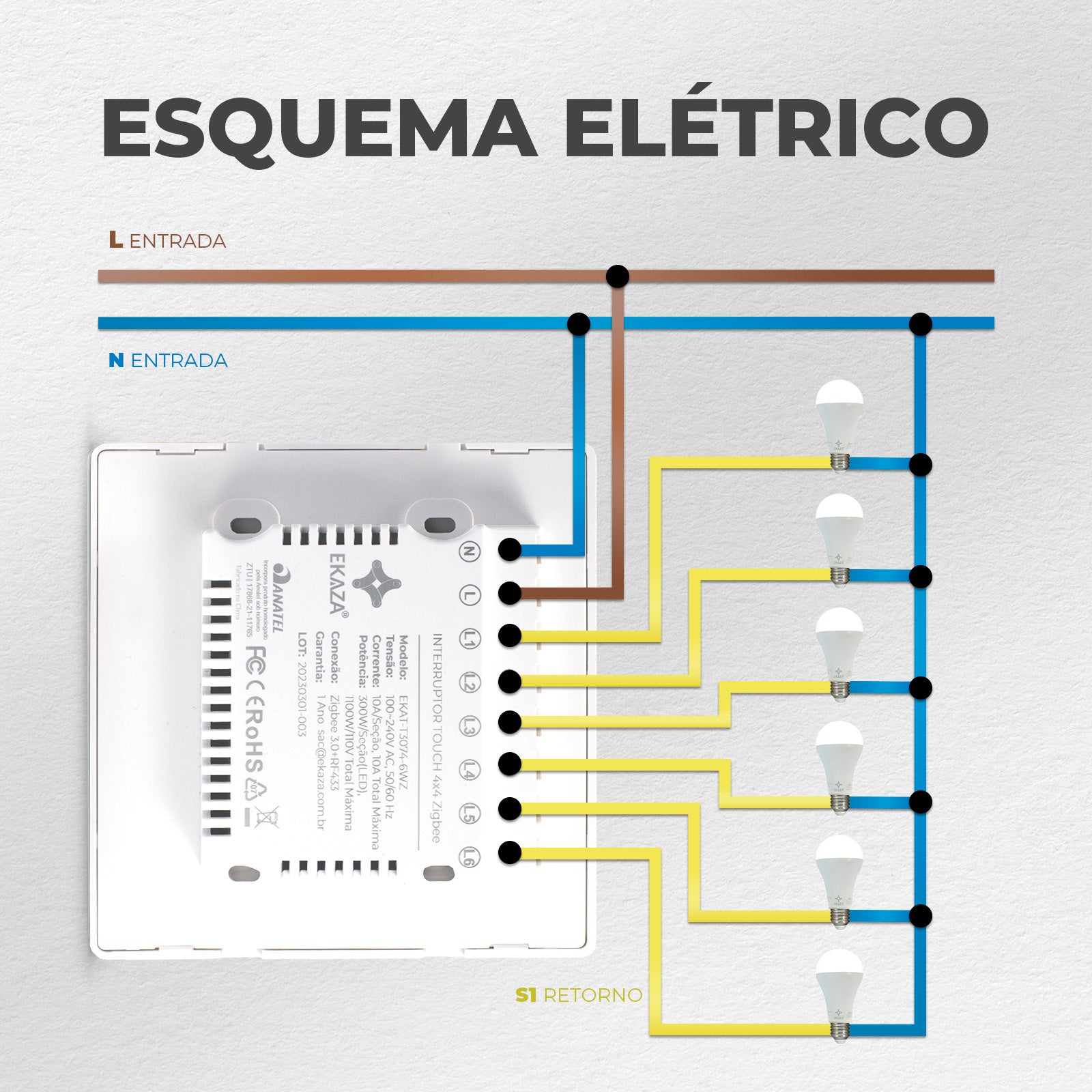
- Virtual Parallel: Control lights from different locations without additional cabling.
- Creating Automation Scenes: Combine different smart devices to create personalized environments.
- Group Control: Group different switches and control them all at the same time.
I also like
Fast and Free Shipping over R$ 150.00
30-day money-back guarantee
Hassle-Free Guarantee
Lifetime Customer Support
Smart Switch 4x4 Glass Touch 2.5d
Unboxing & Reviews

@ekaza.com.br
Specifications
Technical Sheet
Content
Dimensions
FAQs
Luz do interruptor piscando lento ou rápido, o que significa?
Piscadas rápidas indicam modo de emparelhamento (reset). Piscadas lentas podem indicar modo AP.
Posso instalar o interruptor EKAZA em uma casa 220V que não possui fio neutro?
A maioria dos interruptores inteligentes EKAZA requer fio neutro para funcionar corretamente, mas em sistemas de 220V. A instalação deve seguir, com uma fase no lugar do neutro, sendo fase e fase. Recomenda-se que seja feita por um profissional qualificado.
Posso manter meus interruptores normais usando o Mini Módulo Relé 4 canais?
Sim, os módulos ele tem a função de torna os interruptores convencionais em inteligentes, para automatizar as suas luzes.
Como resetar um interruptor EKAZA ?
Ligue o interruptor. Pressione o botão físico 6 vezes consecutivas. Na sexta vez, mantenha pressionado por 6s. O LED deve piscar rápido → reset concluído. Se não funcionar, remova do app e adicione novamente.
O interruptor fica offline com frequência.
Teste em hotspot 4G/5G. Verifique se o roteador não está sobrecarregado. Atualize firmware. Redefina e configure novamente.
O dispositivo não pode ser conectado?
1. Verifique se o dispositivo está conectado ao Wi-Fi normalmente -> Usar celular como roteador temporário Se o dispositivo conseguir se conectar usando o celular como roteador temporário, o problema está nas configurações do roteador. 2. Verifique as configurações do roteador. 2.1 Se o Vivo usado como roteador. 2.2 Verifique se a frequência de 2,4 GHz deve ser usada. 2.3 Verifique o método de criptografia. Certifique-se de que a autenticação da rede seja WPA2-PSK e o tipo de criptografia seja AES 2.3 Verifique o canal da rede. 2.4 Verifique a qualidade da rede. A qualidade da comunicação da rede sem fio é ruim, o valor do ping é alto e a perda de pacotes 3 Verifique o modo de pareamento do dispositivo.
Meu dispositivo não conecta ao Wi-Fi. O que fazer?
Verifique se está usando rede 2.4GHz (não suporta 5GHz). Se o modo padrão (EZ Mode) falhar, utilize o Modo AP: Abra o aplicativo EKAZA → “+” para adicionar dispositivo. Selecione Modo AP no canto superior. Confirme que o LED está piscando lentamente. Selecione a rede Wi-Fi 2.4GHz. Conecte-se à rede criada pelo dispositivo (ex: SmartLife-XXXX). Volte ao app e aguarde a conexão.
Como emparelhar um interruptor Zigbee no HUB EKAZA?
Pressione o botão de reset ou ligue/desligue 5 vezes até a luz piscar rápido. Abra o app EKAZA e selecione o Hub Zigbee. Toque em “Adicionar dispositivo” → “Adicionar novo dispositivo” para emparelhar.
Preciso de um HUB Zigbee para usar interruptores Zigbee?
Sim. Dispositivos Zigbee exigem um HUB Zigbee (como EKAT-T3010L ou EKAT-T3010M) para se conectar ao app.
Contact us, official installation service will save your money and worries!
-
1 year extended warranty.
The official EKAZA construction team is at your disposal. Make your use safer and more secure.
-
Save Money!
We charge only 30% of the value of your product as a service fee, which is much lower than the market price.
Total product value Over R$1000.00
-
Redeem installation services through eCredits!
If you're already an official member, you can use your eCredits to redeem them for our services. Sign up now!
-
Contact us
Contact our professional team to help you create a smart home solution!